
Guides
How to buy, activate and use memberships and digital goods, and how to pay with bitcoin.
SIM cards
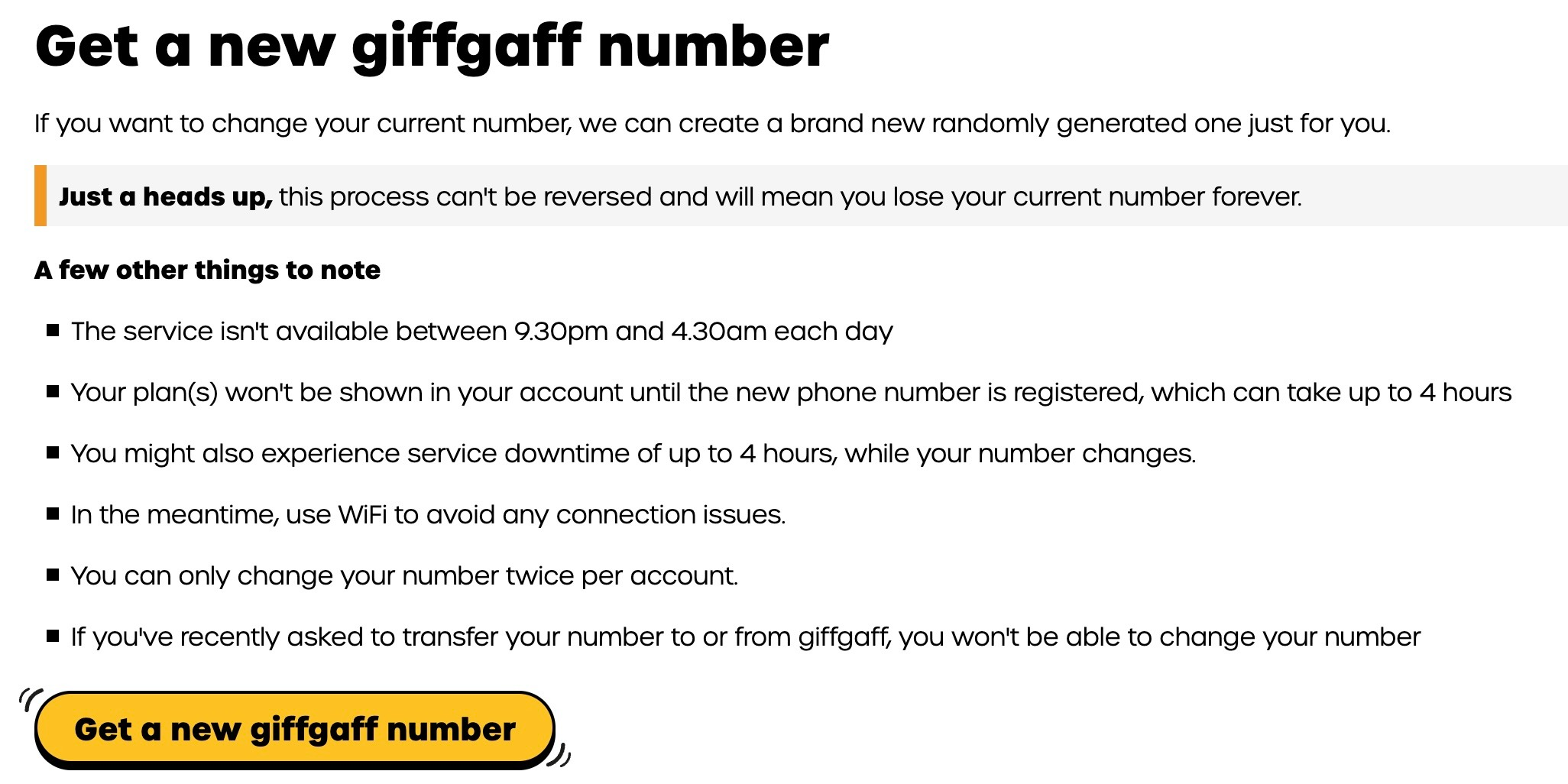
How to change your giffgaff number
giffgaff's most distinctive feature is that data is delivered OTA (Over-the-Air). Your number is only assigned, at random, at the moment you top up and activate. For numbers you do not like, giffgaff thoughtfully offers two free changes.
Read more
SIM cards
An incomplete guide to switching a giffgaff physical SIM to eSIM
A phone with eSIM support. (At least for now, no phone sold in mainland China has it; look up the exact models online, as they are not listed here.) A giffgaff physical SIM. (If you do not have one yet, click here to buy) A way to get past the firewall (a VPN).
Read more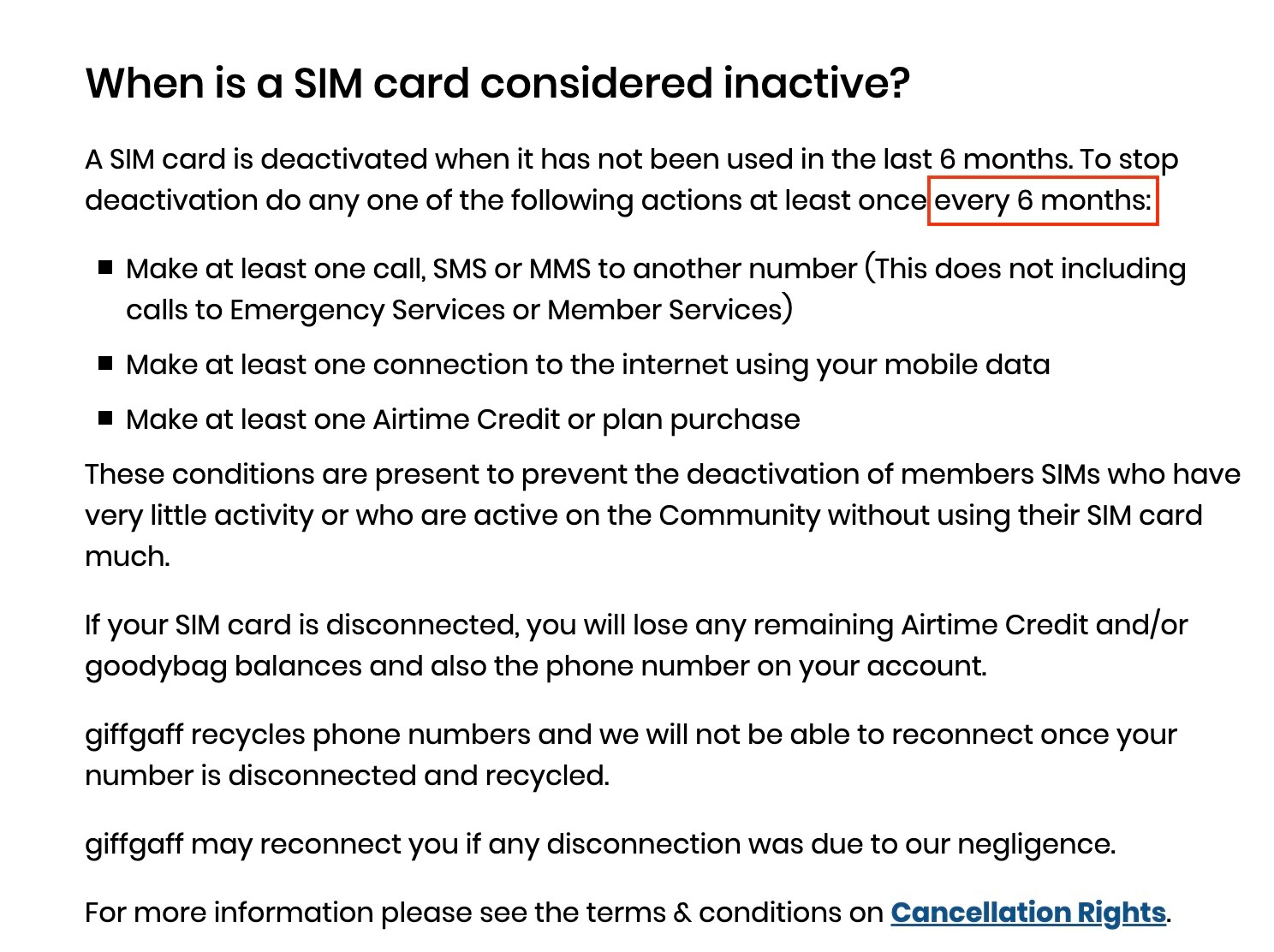
SIM cards
How to keep your Giffgaff number
Overseas operators generally have rules for keeping a number. A Giffgaff SIM needs one change in credit balance every 180 days; otherwise the number is frozen and cancelled. The simplest way to keep the number from China is to send one text, to a phone number in China or abroad, at £0.30 each, so keeping the number costs only £0.60 a year (less than 6 RMB). After each top-up or charge, the period starts again from the day the balance changed. The first top-up also counts as a change in balance, so the next action only has to happen within 180 days of activation.
Read more
SIM cards
Troubleshooting sign-up verification codes
Troubleshooting (FAQ) The app says my phone number is wrong? When signing up for apps with a giffgaff number, the country code must be UK or +44. Drop the national prefix 0 and enter the 10-digit number 7xxxxxxxxx directly.
Read more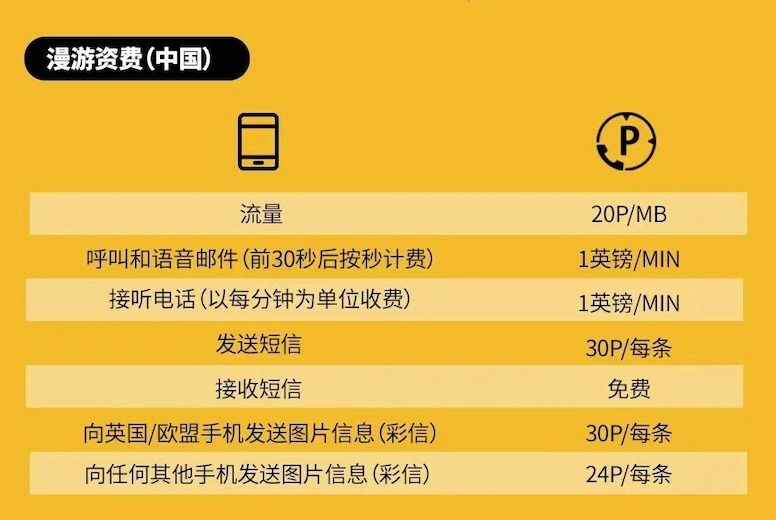
SIM cards
Roaming rates in China
About the units: 20p means 20 pence. £1 = 100 pence, so 20 pence = £0.20. Roaming rates in detail Service and rate: roaming data £0.20 per MB (£0.20 / MB); making calls and voicemail £1 per minute (£1.00 / Min); receiving calls £1 per minute (£1.00 / Min); sending a text £0.30 each (£0.30 / Text); receiving texts free (Free) About the travel data packs for China:
Read moreSIM cards
Giffgaff common functions (a must-read for newcomers)
✅ Please note: All the short codes and self-service options described below can be used in China for free, with no roaming charges. 📱 Short codes on your phone Find your own number: text NUMBER to 43430 Check your credit: dial *100# on the dial pad
Read moreSIM cards
Giffgaff FAQ (a must-read for newcomers)
Frequently asked questions My phone number is correct, but I cannot log in to the website, or the app says the number format is wrong A UK mobile number is 11 digits long. The international code is 0044 (also written +44), the national prefix 0 takes one digit, the 7 that marks UK mobile numbers takes one digit, and the remaining 9 digits are the number itself. So a giffgaff phone number is written +44 07xxxxxxxxx. When using the phone number on the giffgaff website or in the app, drop the +44 and keep the national prefix 0 in front, so the format to enter is 07xxxxxxxxx. Please pay special attention to this.
Read more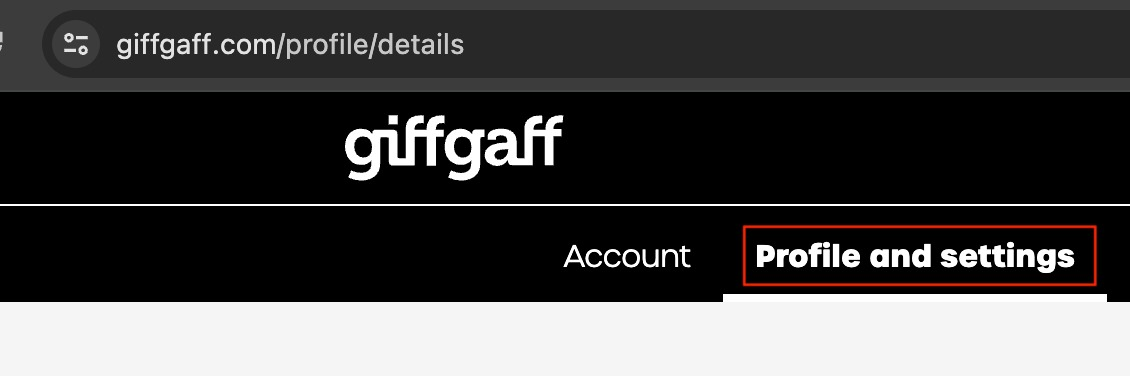
SIM cards
Giffgaff: changing your email (a must-read for newcomers)
Before you start: ① You need your own way to get past the firewall (a VPN). ② Make sure you have reset the account password and know it. Changing your email, step by step First, log in to the profile page on the website or in the official app: https://www.giffgaff.com/profile/details, and click the Profile and Setting section.
Read more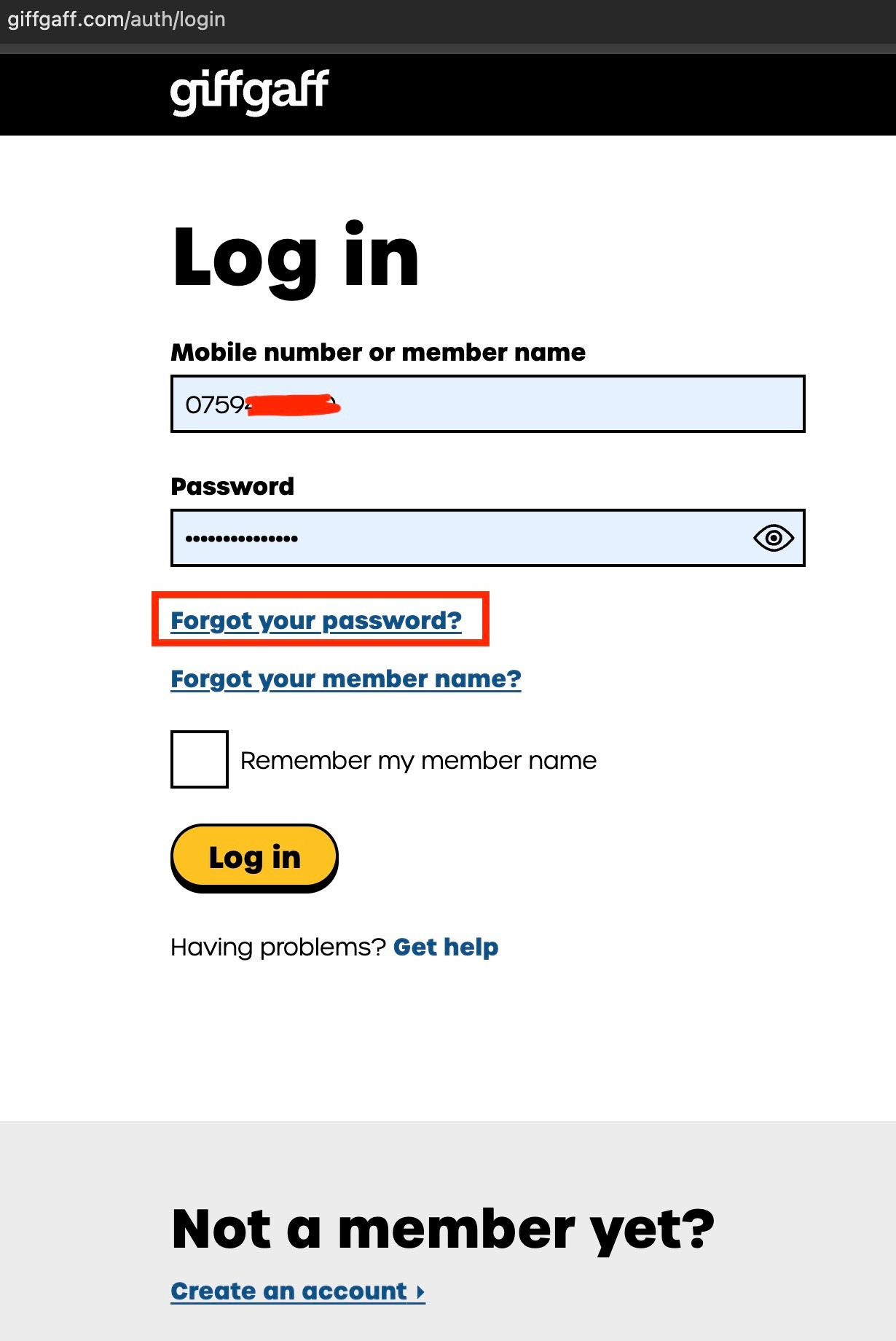
SIM cards
Giffgaff: changing your password (a must-read for pre-topped-up SIM users)
First, let's change the password Password reset, step by step Step 1: open the Giffgaff login page, https://www.giffgaff.com/auth/login Click the button marked in red on the page: Forgot your password
Read morePage 2 of 4 (36 articles)