giffgaff's most distinctive feature is that data is delivered OTA (Over-the-Air). Your number is only assigned, at random, at the moment you top up and activate. For numbers you do not like, giffgaff thoughtfully offers two free changes.
✅ What you need
A SIM that is activated and has a top-up on record
Your account password
Environment: access to overseas networks
🛠️ Steps to change the number
1. Go to the page for changing the number:
https://www.giffgaff.com/profile/details/getnumber
2. Click the "Get a new giffgaff number" button.
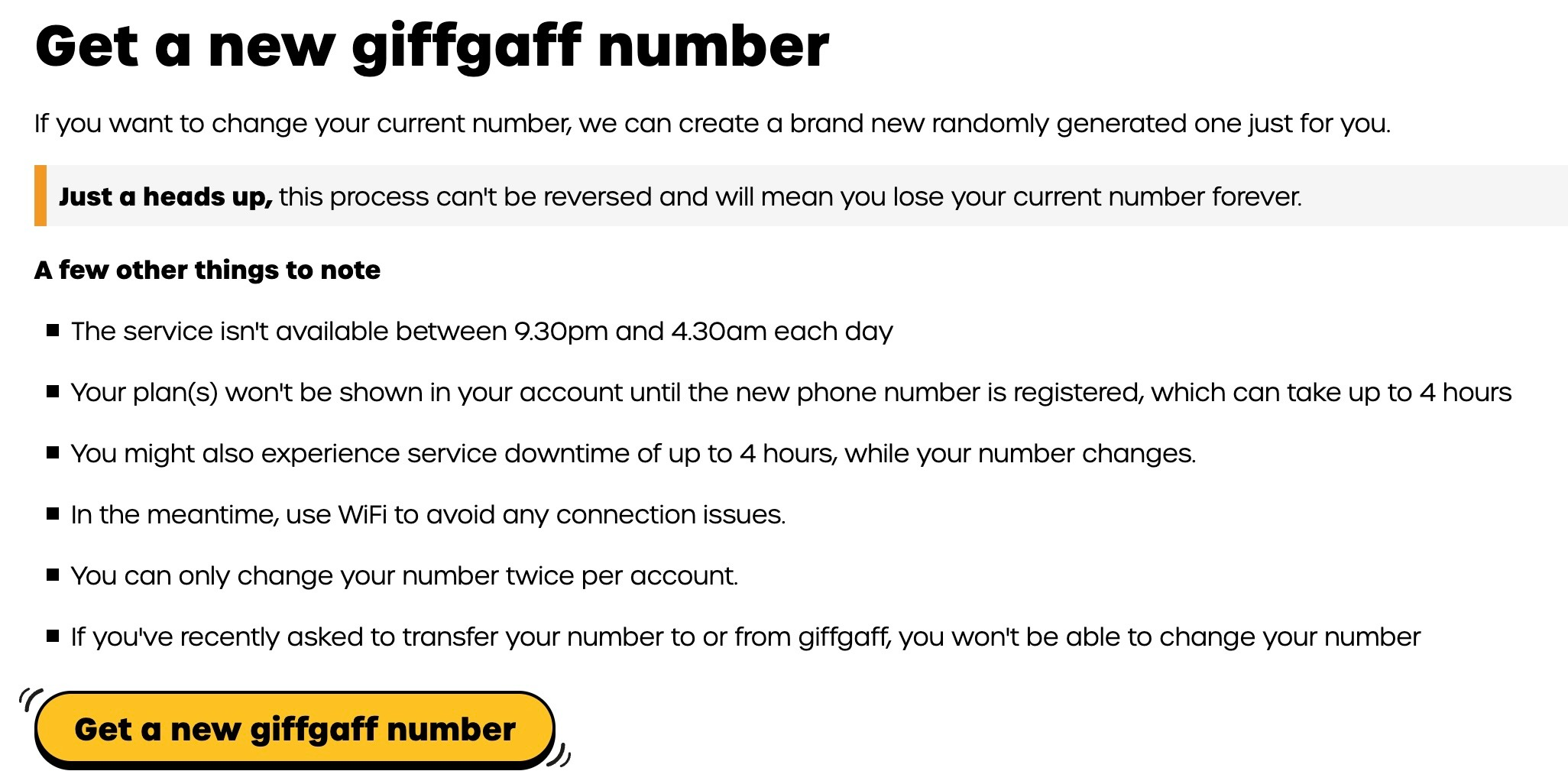
3. Confirm your identity: enter your current account password and confirm. Note that the new number is also assigned at random.
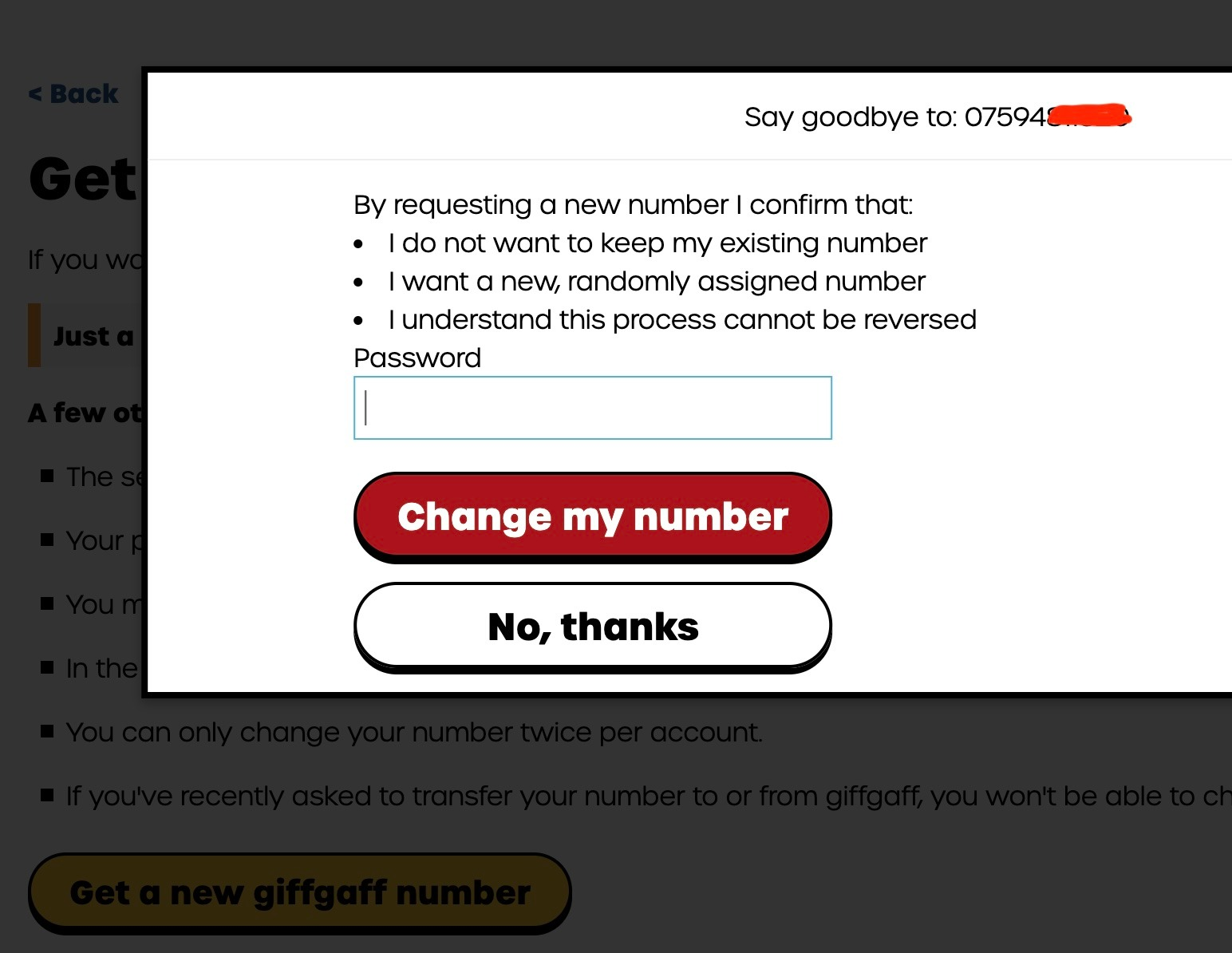
4. Wait for activation: after the change, the old number is cancelled at once, and the new number usually takes 20 minutes to 24 hours to become active.
⚠️ A pitfall to avoid:
The phone shows "No service" while the number is changing. Try toggling flight mode or restarting the phone.