First, let's change the password
Password reset, step by step
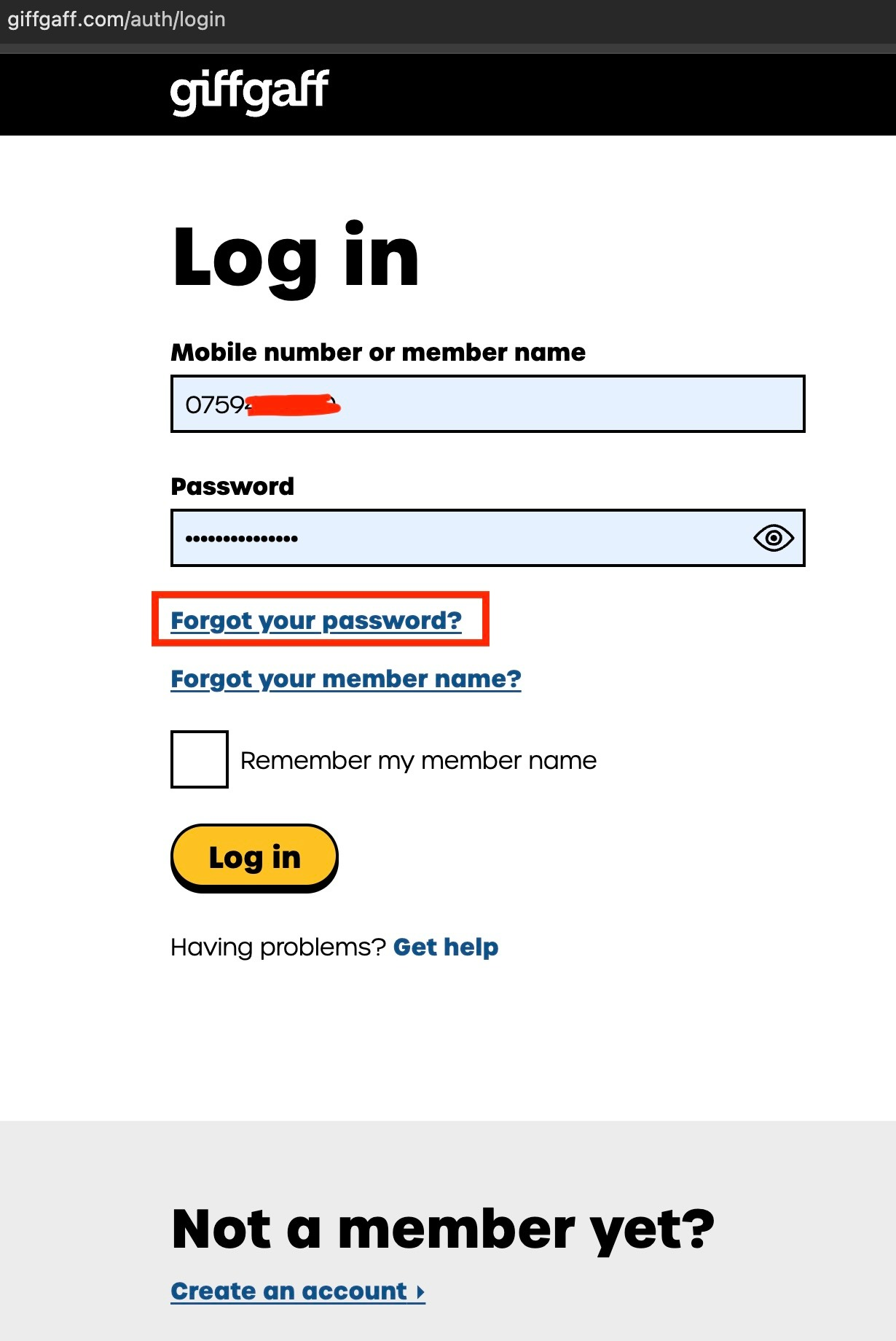
Step 1: open the Giffgaff login page, https://www.giffgaff.com/auth/login
Click the button marked in red on the page: Forgot your password
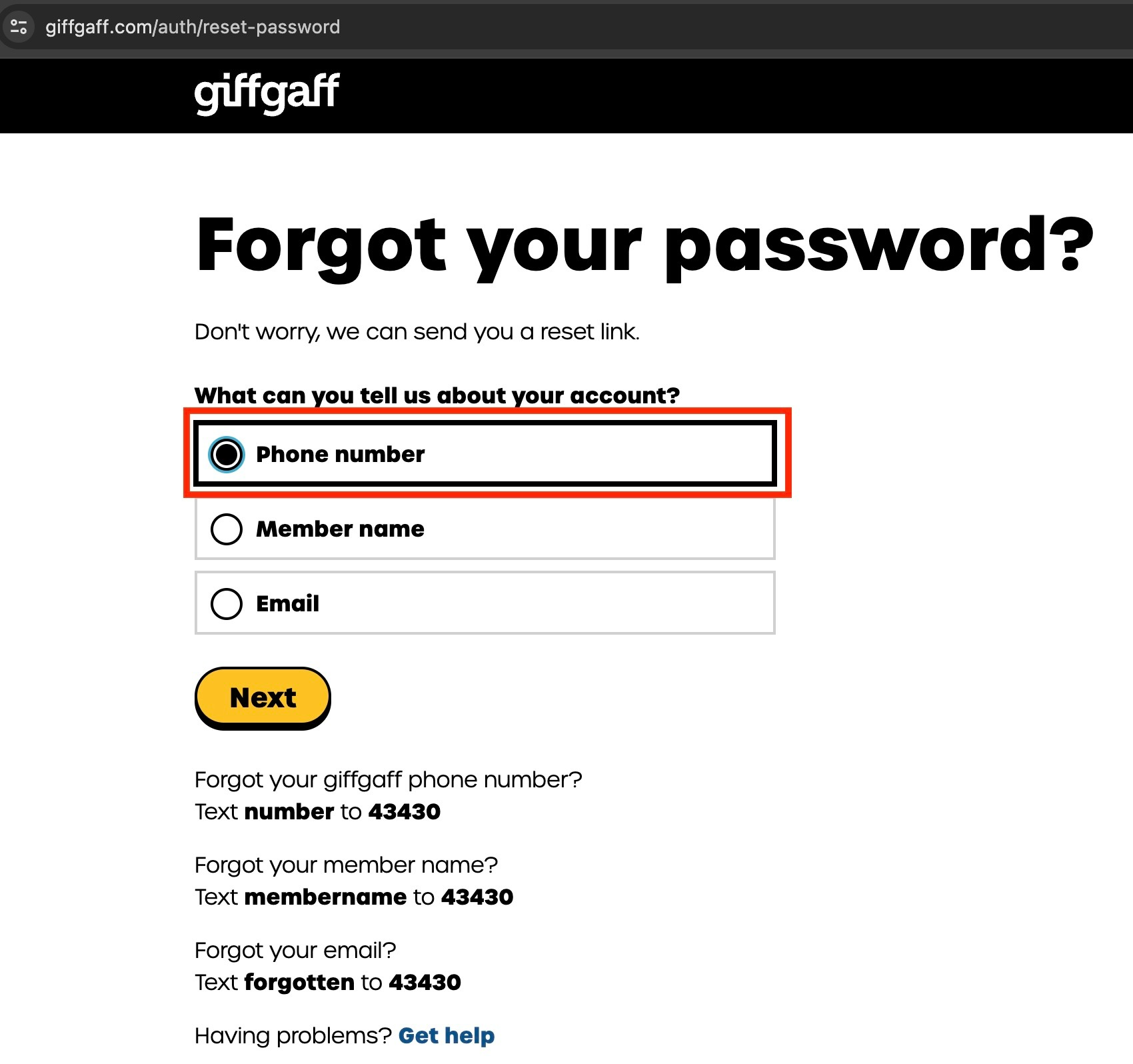
Step 2: choose the first option, Phone number, and click the yellow Next button
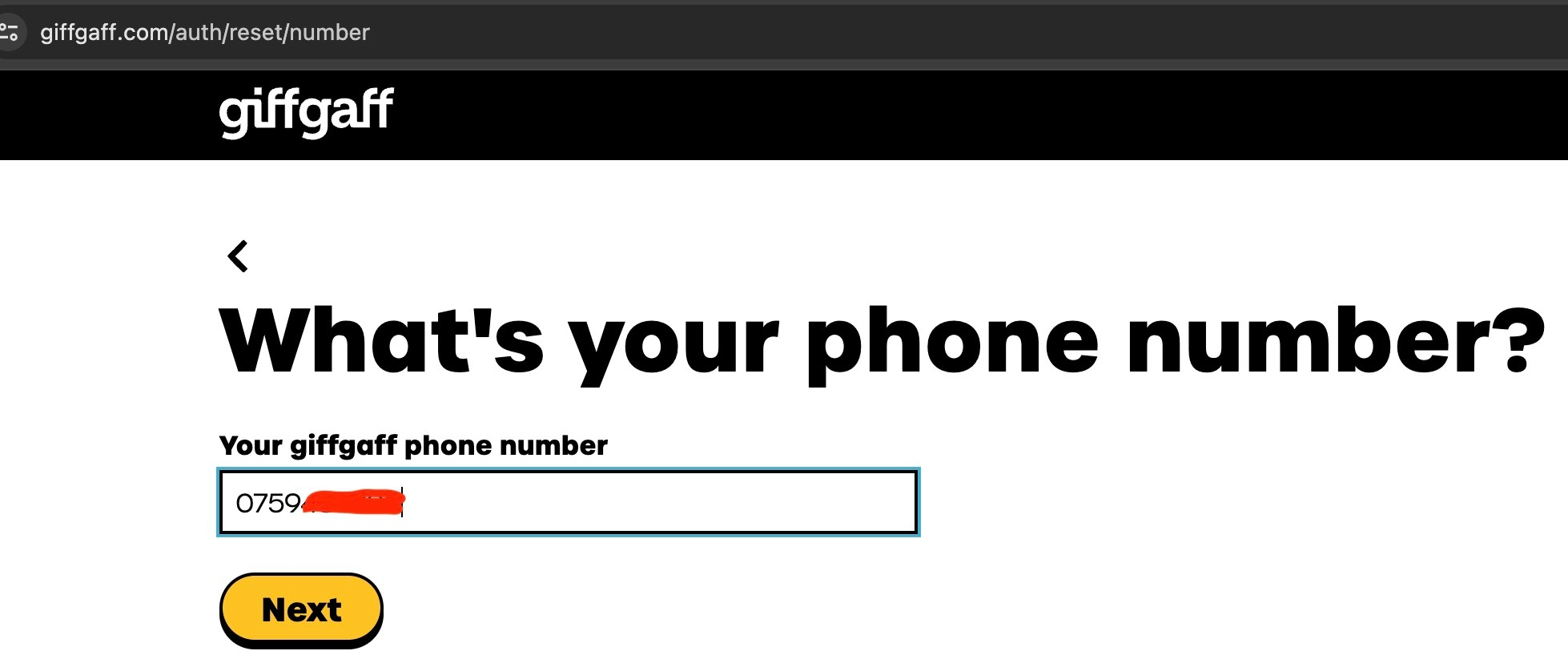
Step 3: enter your giffgaff phone number and click the yellow Next button. The format here is 07xxxxxxxxx: drop the UK country code +44 and keep the 0. If you do not know your phone number, text NUMBER to 43430; a text with your phone number and username arrives shortly.
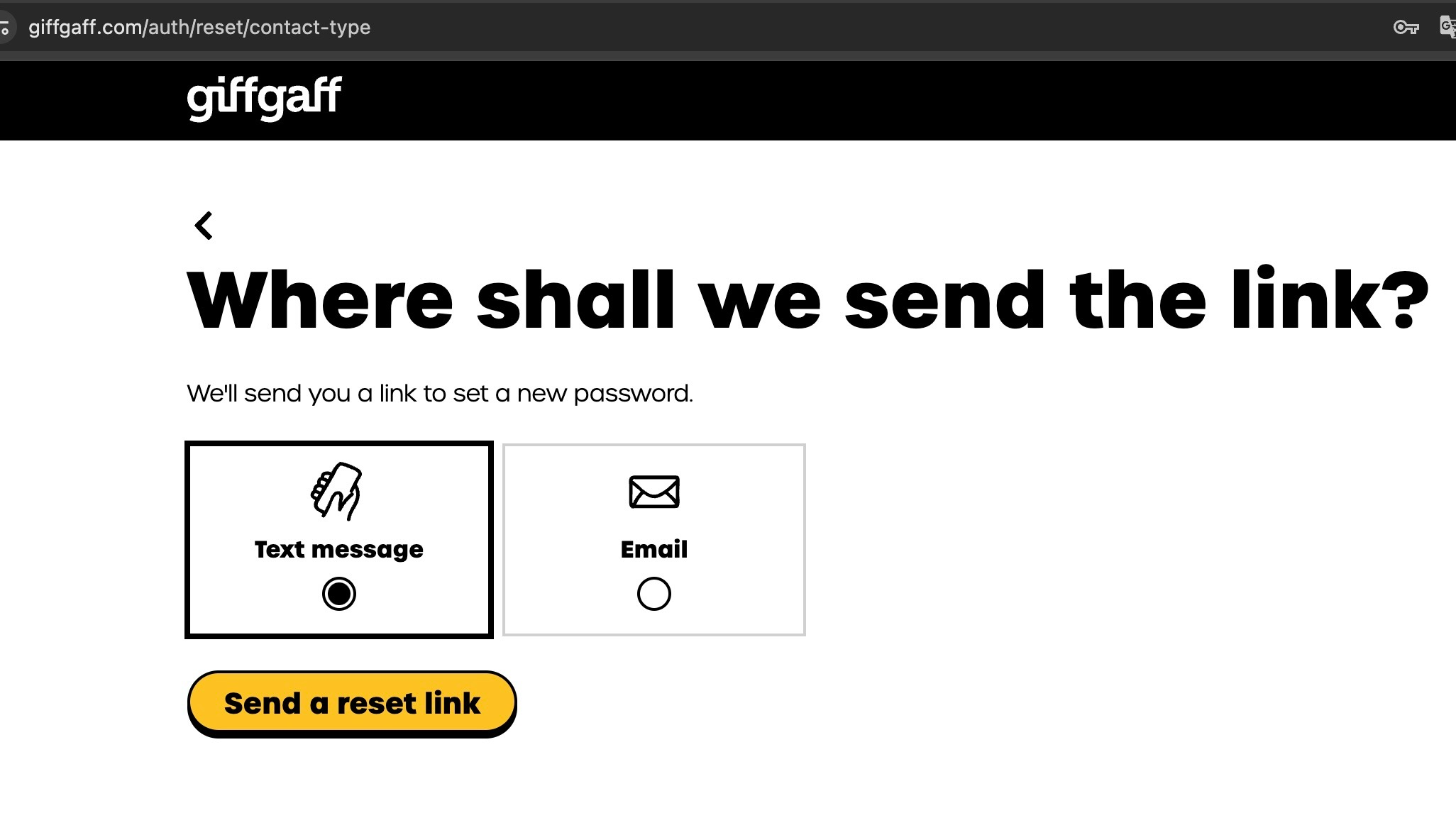
Step 4: choose Text message and click the yellow Send a reset link button below
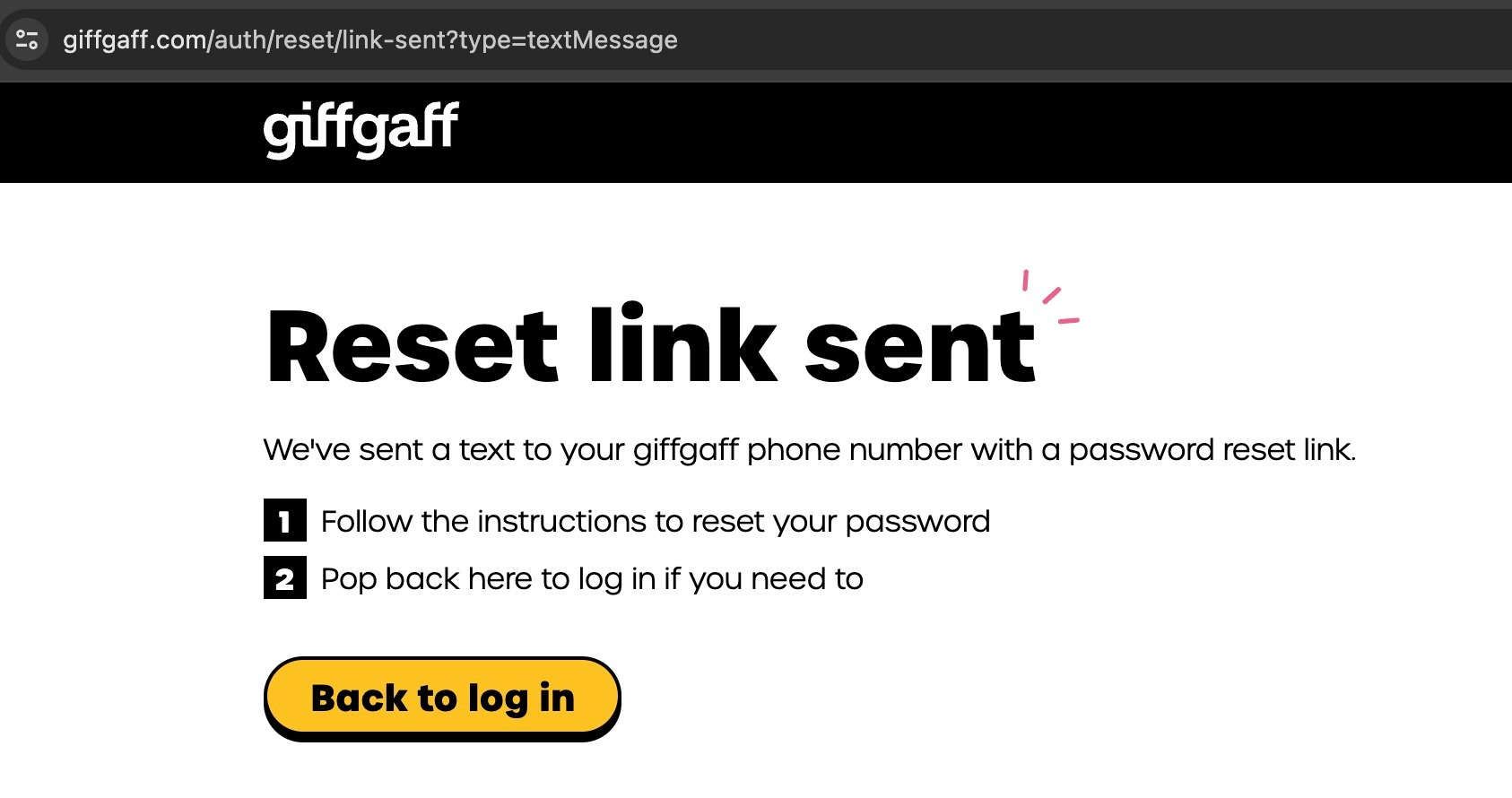
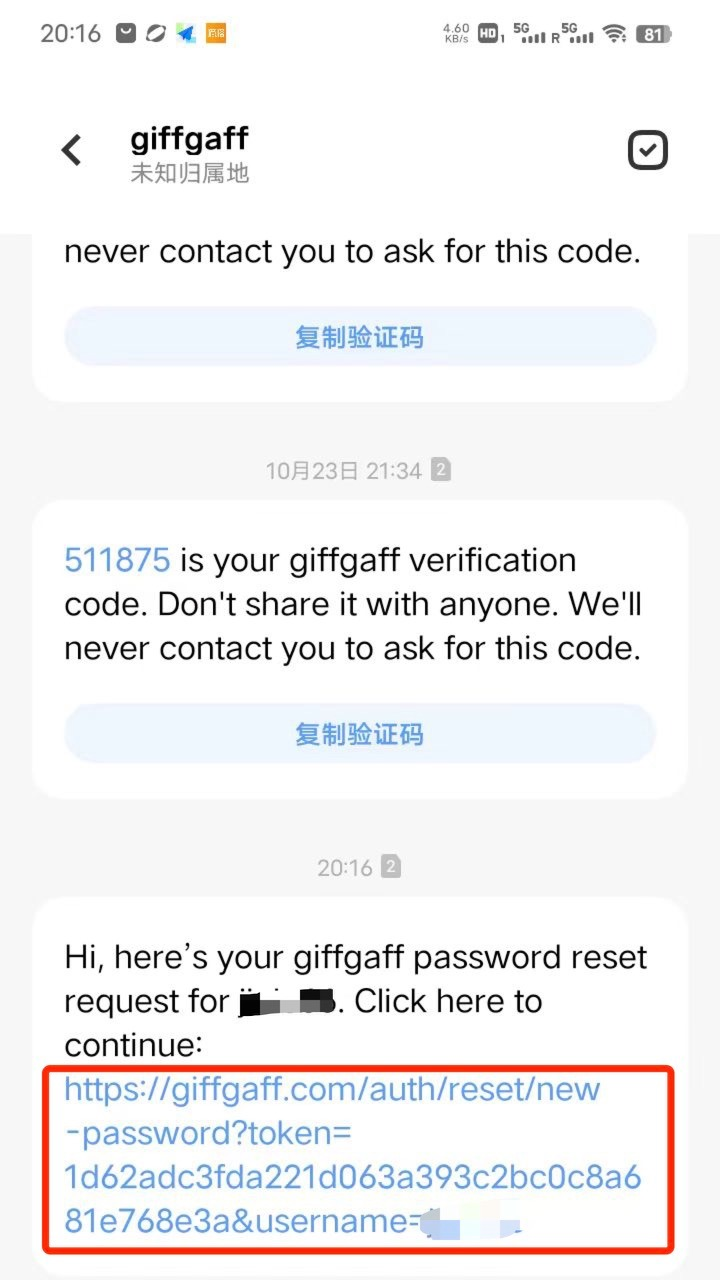
Step 5: when the reset text arrives, tap the link in it and create a new password
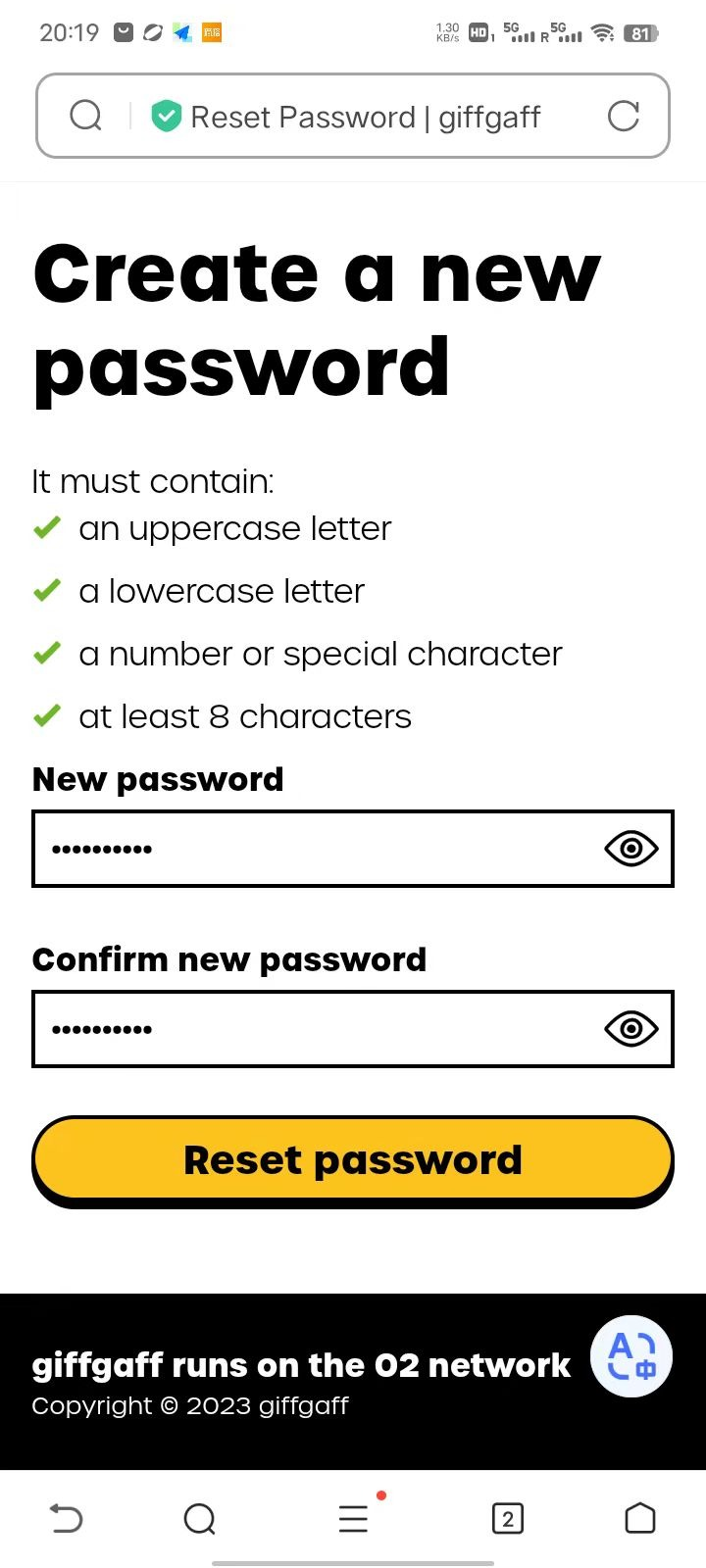
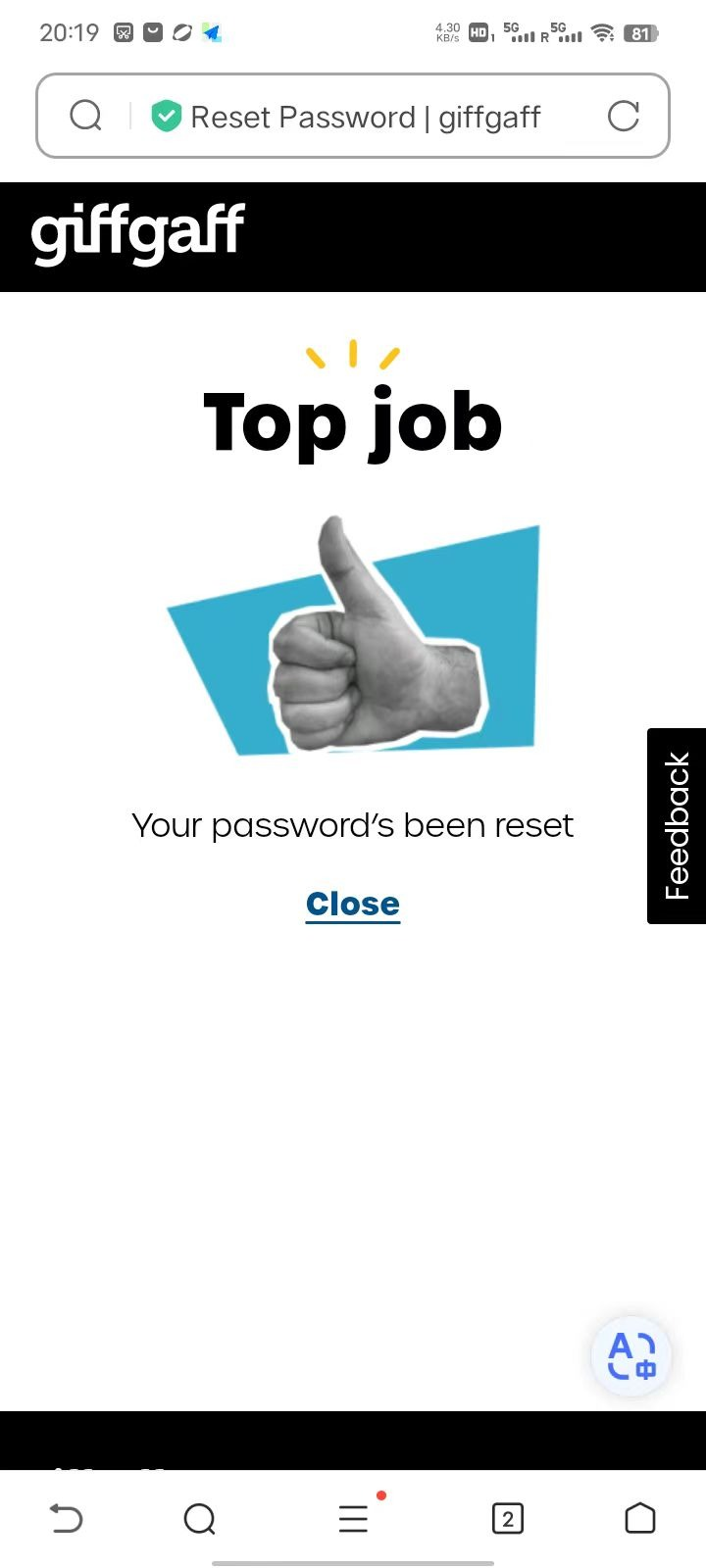
That's it, the reset is done! A notification email is also sent to your email address.