Introduction
I had long wanted a foreign SIM card for receiving verification codes from all sorts of services. Google Voice is great and keeps a number for nothing, but it is a VoIP number, and plenty of websites turn me away the moment they see it.
So I turned to GiffGaff, a UK MVNO (mobile virtual network operator) on the O2 / Virgin Media O2 network. A physical SIM or eSIM is free to request, and with Pay as you go (PAYG) it costs very little to keep the number in mainland China.
How it went
Getting the SIM
I requested one on the official website a few times some years ago, but the standard-post letter never arrived; the loss rate is close to 100%. I requested another in September and it did not arrive either, so it was probably lost again. A while ago a friend studying in Australia came home for the holidays and I asked him to bring two back. I activated one today, and this post records some details and things to watch out for.
GiffGaff has recently stopped sending SIMs to some countries and regions for the time being, mainland China among them. Physical SIMs can be bought on Chinese e-commerce platforms, usually for 10 to 30 yuan each, and people on some hosting forums and on Telegram give them away. Either way, protect your personal details and watch out for scams.
If your phone supports eSIM, you can download the GiffGaff app and get a non-physical SIM directly. A physical SIM can also be converted to eSIM later.
Activating the SIM
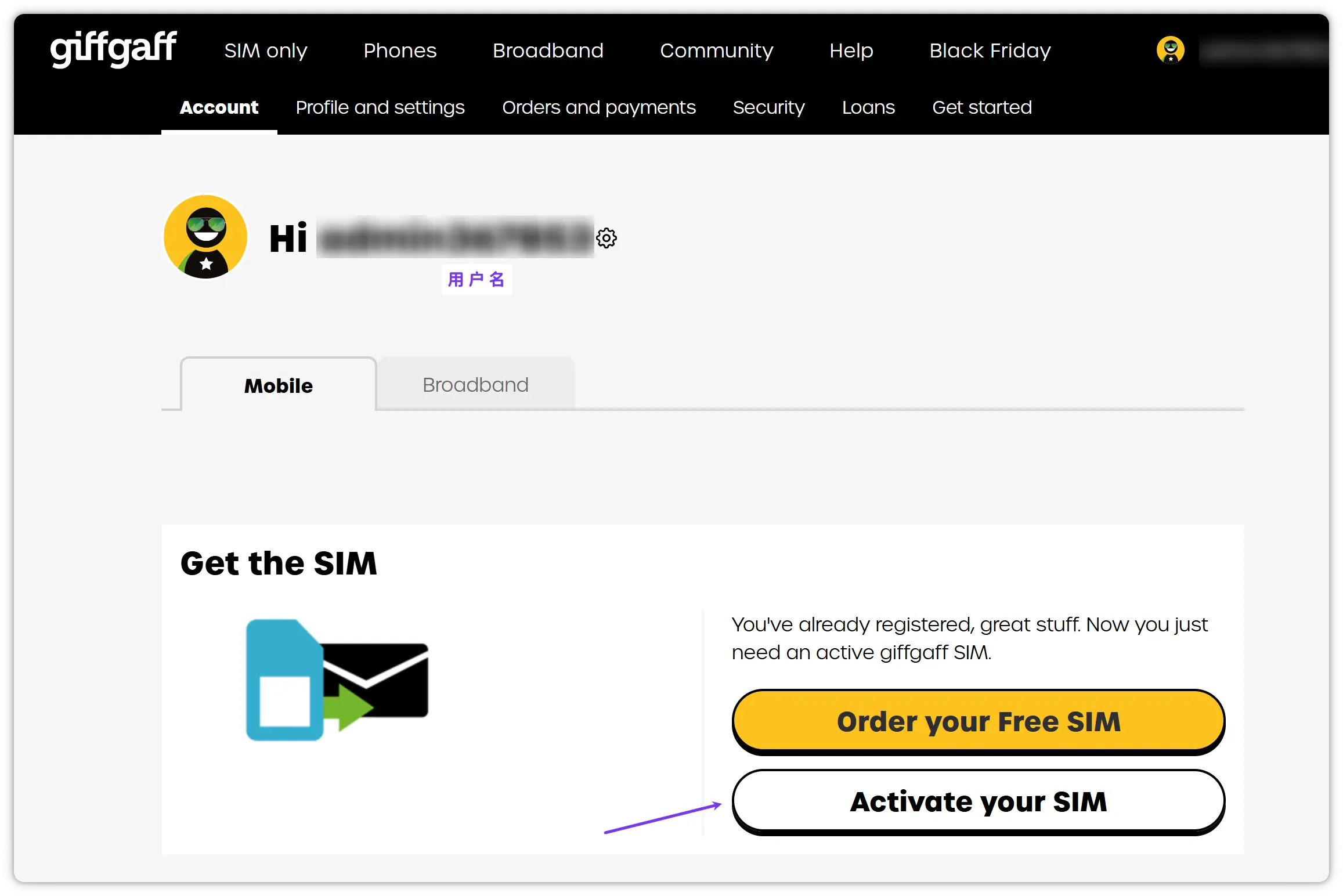
Log in to the GiffGaff website and click Active your SIM to start activation
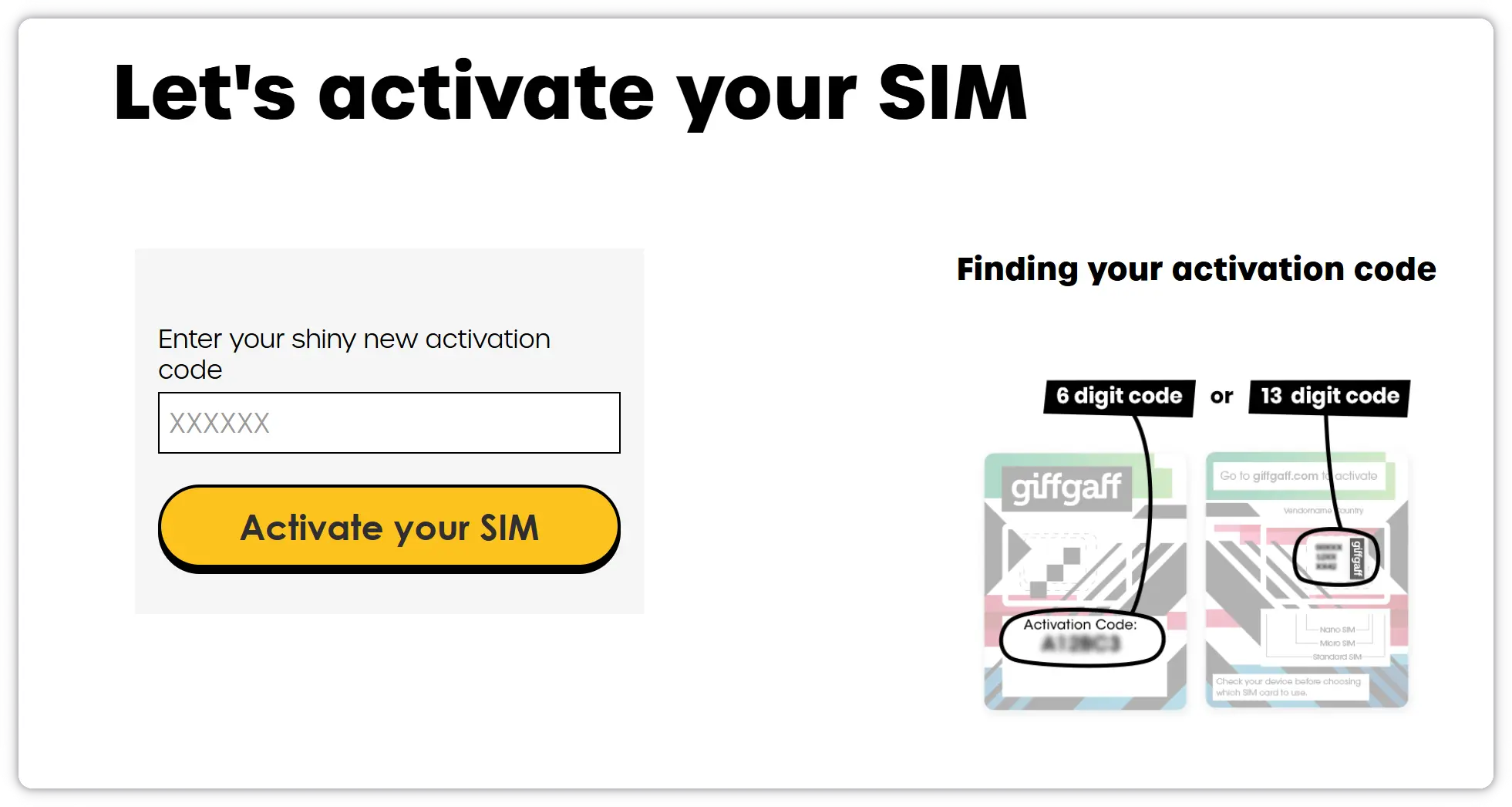
Enter the activation code on the SIM packaging and click the activate button.
Topping up
Have a Visa / Mastercard or other foreign-currency card ready. I used a Bank of China Great Wall Cross-border Mastercard (the BOC Monet card).
Some debit cards hold a different amount for transactions that are not in US dollars. The BOC Monet card used here holds 102% for pound transactions, so I had to buy at least £10.20; otherwise the top-up fails. After the first top-up you can also top up with PayPal.
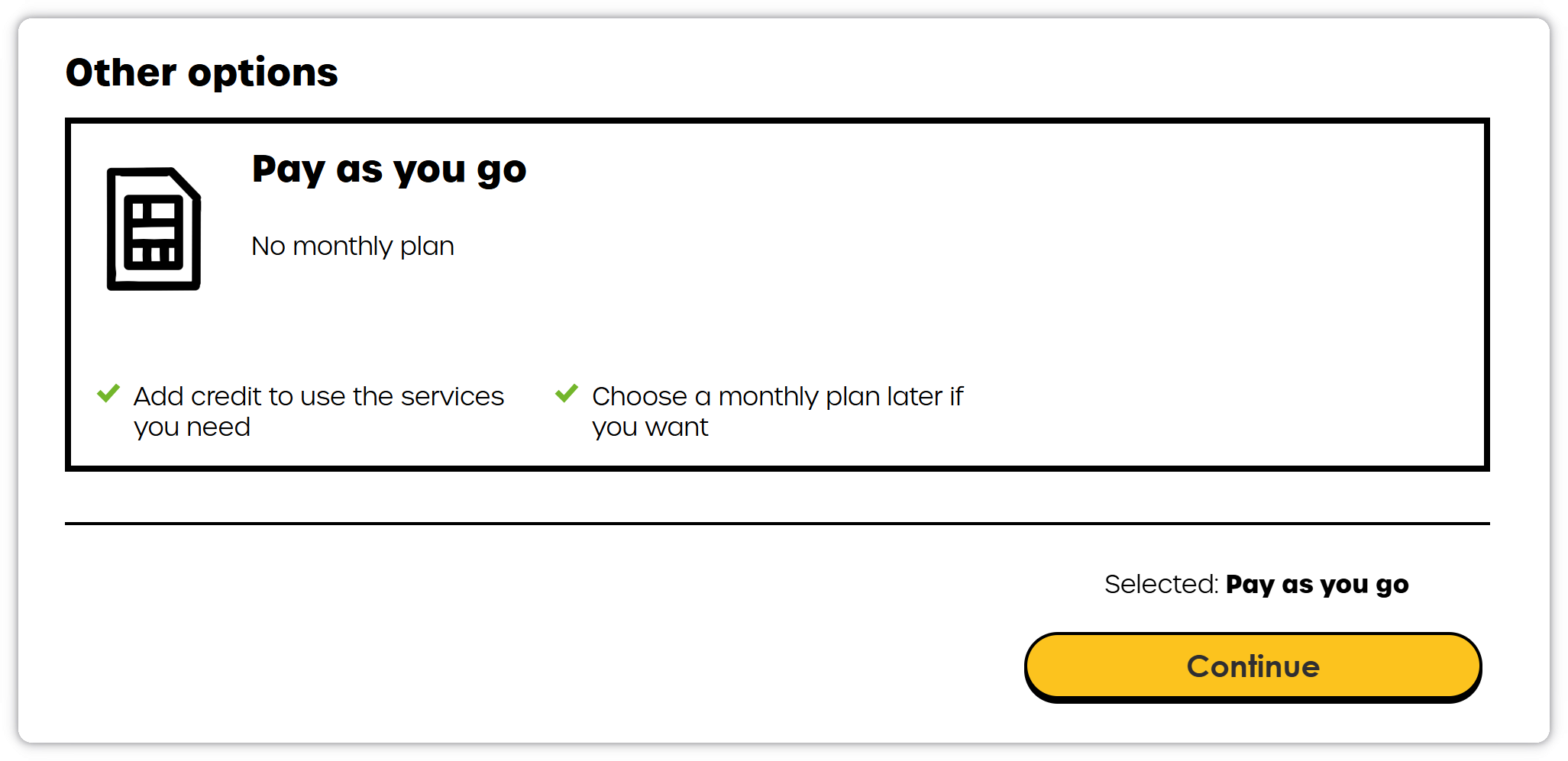
The minimum top-up is £10. GiffGaff has now ended the £5 top-up bonus.
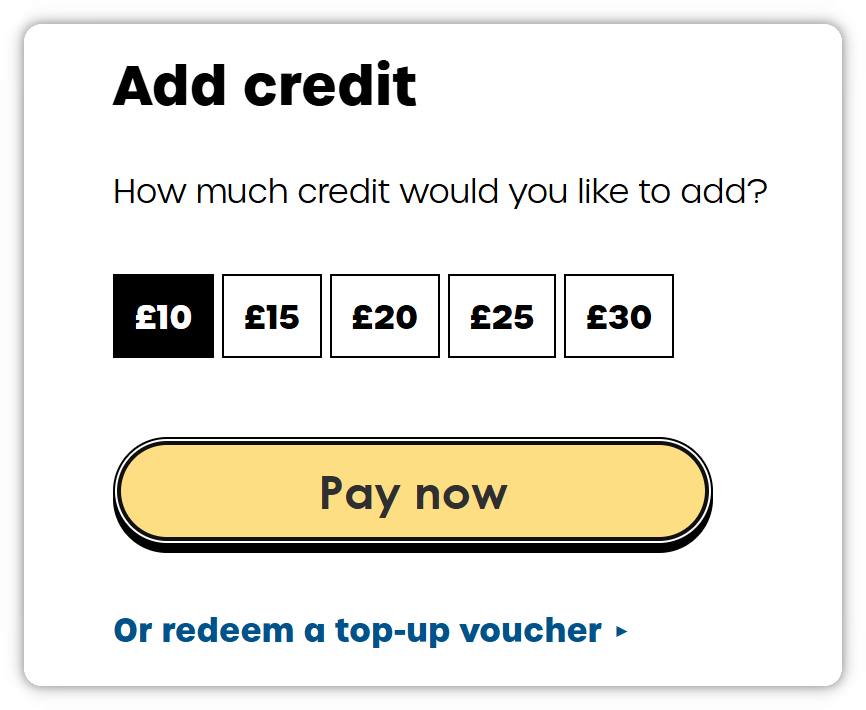
Fill in the details and the top-up is done
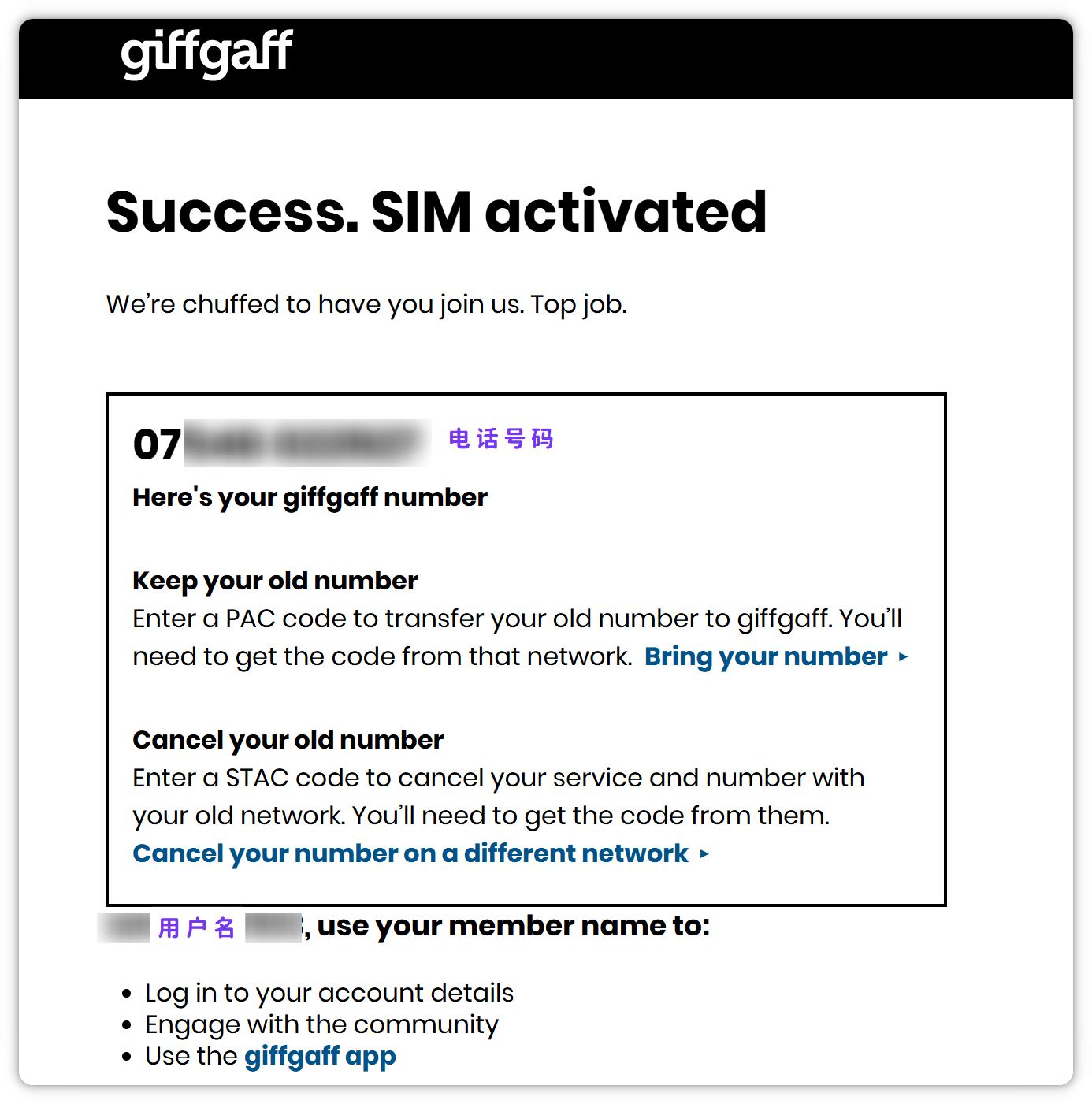
Our phone number is shown starting with 07. In practice, drop the leading 0 and add the country code: +44 7xxx xxxxxx
Starting to use it
Put the SIM in the phone and it is ready to use. Before first use, iPhone users need to turn off FaceTime and iMessage in advance so that no activation text is sent and charged. Afterwards, set the other SIM as the one used for FaceTime/iMessage in Settings. Some older iPhones may need a newer IPCC carrier file found online and loaded with a tool such as i4Tools.
On Android phones it generally just works as long as the phone supports the China Mobile and China Unicom networks. In special cases, see the official instructions for setting up the APN :
APN: giffgaff.com
Username: leave blank
Password: leave blank
Server: http://mmsc.mediamessaging.co.uk:8002
MMSC: http://mmsc.mediamessaging.co.uk:8002
Proxy: leave blank
MMS proxy: leave blank
MMS port: leave blank
MCC: 234
MNC: 10
Authentication type: leave blank
APN Type: mms
Turning off voicemail
GiffGaff voicemail is on by default. When a call goes unanswered, or the phone is off or has no service, roaming is charged by the minute, so turning it off is strongly recommended. Inside the UK, call the service number to turn it off; users outside the UK can contact an agent to have it turned off.
Keeping the number, and rates
The rule for keeping the number is simple: at least one action that changes your balance every 180 days: a top-up, a call, mobile data or a text. A text is the cheapest. You receive an email reminder before the 180 days are up.
Calls Making / receiving calls £1/minute; the first 30s of an outgoing call are charged at a flat rate, then per second
Texts Sending £0.30 each, receiving free
So the fixed cost of keeping the number is £0.60 a year: two texts a year, about 5.53 yuan
How do I call other GiffGaff users for free? (inside the UK)
You need to top up or buy a plan at least once every three months to get free calls with other GiffGaff users. A single free call lasts 60 minutes; after 60 minutes, hang up and dial again.
If you can set up Wi-Fi Calling, you are charged the UK rates.
FAQ
How long do I have to activate a physical SIM after receiving it?
I asked GiffGaff support, and the answer was: "Hi, there is no strict deadline for activating a SIM, so you can activate it at any time. We do recommend activating it within a year, just to be safe."
Why am I charged even when I hang up myself?
While roaming, hanging up on a call yourself may be charged. So when an unknown number calls, just mute it and wait for it to stop.
Can I register WeChat with it?
Yes, but it is demanding about the IP and environment, and the account easily ends up read-only
Can I register WhatsApp with it?
Yes, a reasonably clean IP is enough
Can I register TikTok with it?
Yes, same as above.