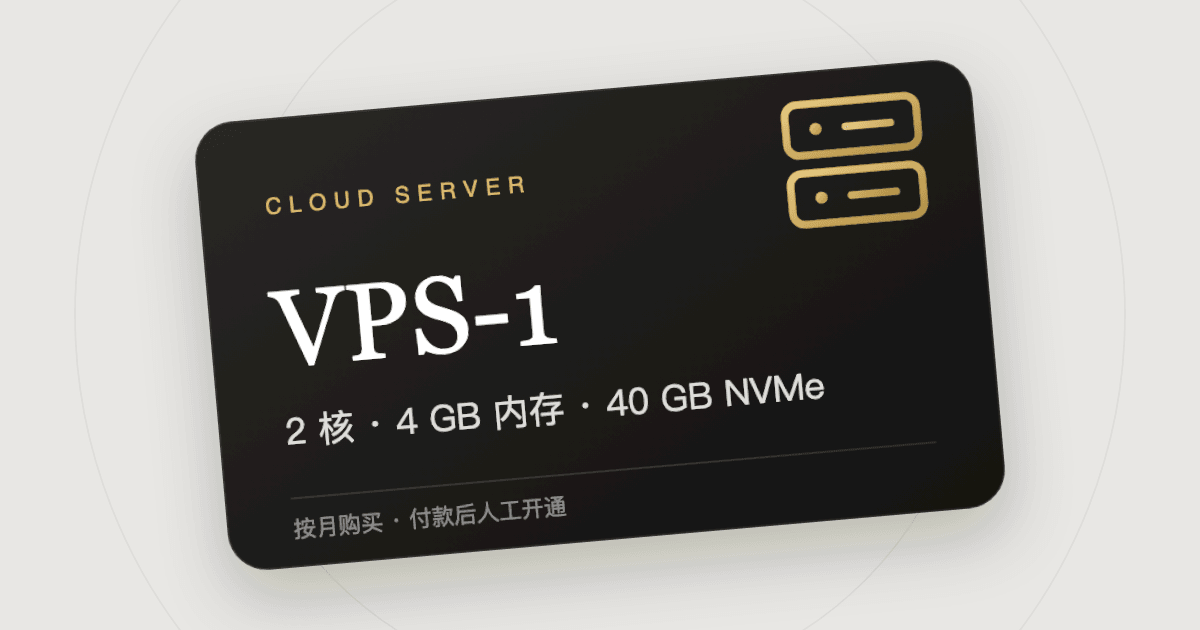
Want to run your own website or a bot, or need an overseas server that is online 24 hours a day, but have no credit card that overseas cloud providers accept? 320.SI's VPS cloud servers can be bought directly with Bitcoin or Lightning, with no bank card and no account to register with a cloud provider. This article explains what a VPS is, how to choose between the four plans, and the whole process from ordering to logging in to the server.
What is a VPS
A VPS (Virtual Private Server) is a remote computer that runs in a data center and stays on all year. It has its own public IP and its own operating system, and you have full root access, so you can install any software on it.
Common uses:
- Hosting a personal website, blog or forum
- Running programs that need to be online all the time, such as bots, scheduled jobs and data collection scripts
- Deploying apps, APIs or test environments you have built
- Hosting private services of your own, such as file storage, notes or a password manager
- Running a Bitcoin or Lightning node
Choosing between the four plans
| Model | CPU | Memory | Disk | Bandwidth |
|---|---|---|---|---|
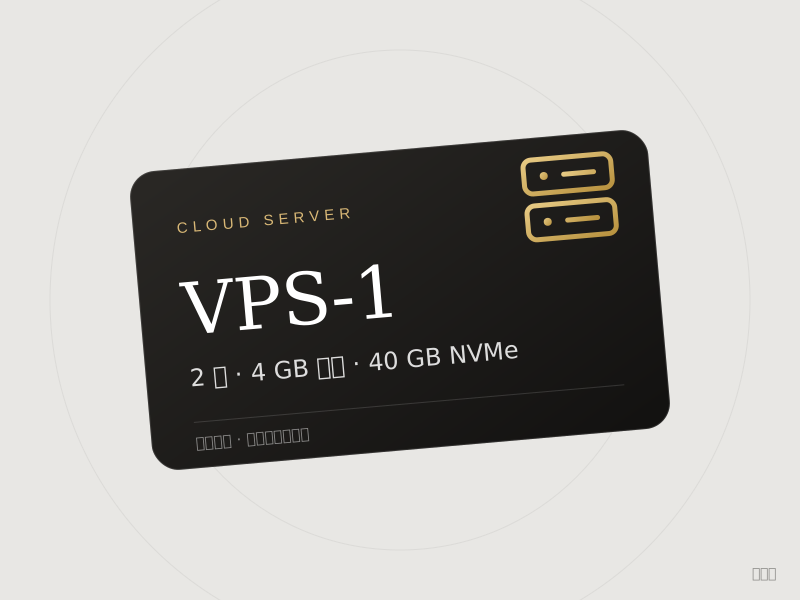
| VPS-1 | 2 cores | 4 GB | 40 GB NVMe | 500 Mbps |
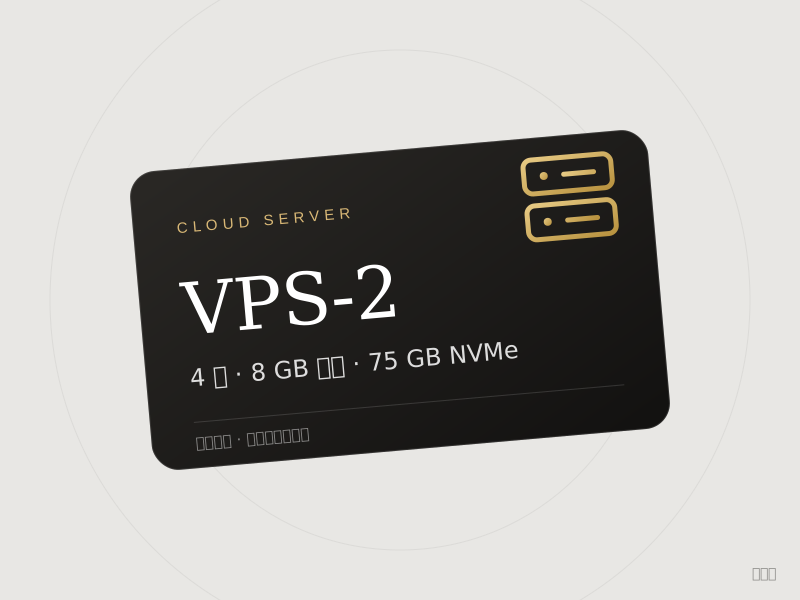
| VPS-2 | 4 cores | 8 GB | 75 GB NVMe | 1 Gbps |
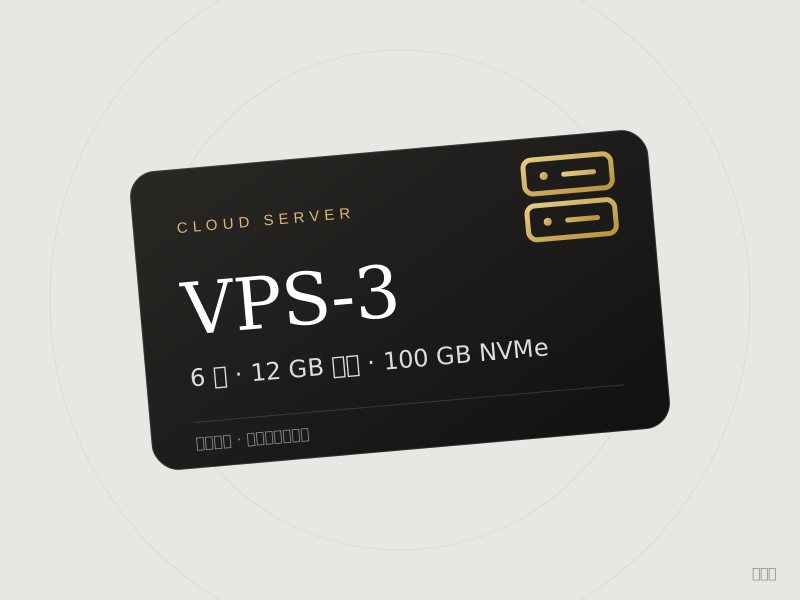
| VPS-3 | 6 cores | 12 GB | 100 GB NVMe | 2 Gbps |
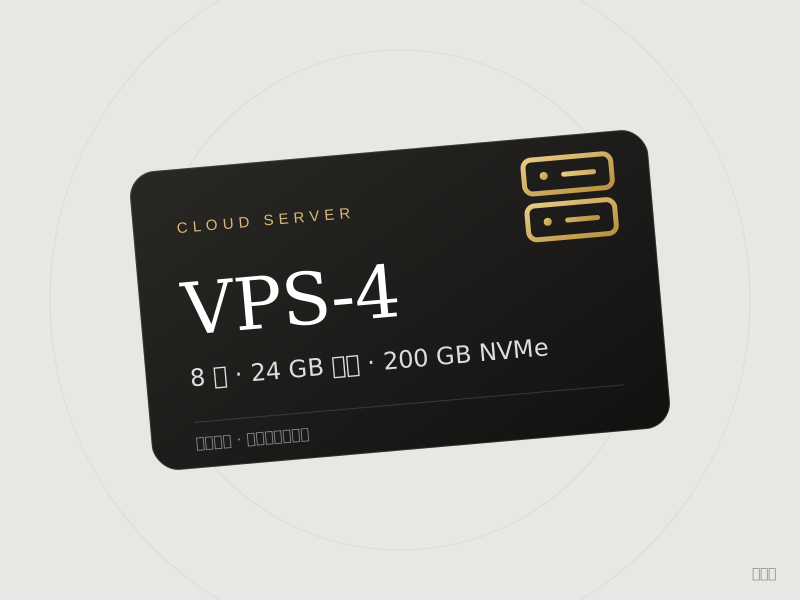
| VPS-4 | 8 cores | 24 GB | 200 GB NVMe | 3 Gbps |
All four include unmetered traffic, automatic daily backups and full root access.
A guide to choosing:
- VPS-1: personal blogs, small websites, lightweight bots and scripts; enough for these and the cheapest
- VPS-2: websites with somewhat more traffic, or running several services at once, or deploying several apps with Docker
- VPS-3: projects that run a database and an app together, or programs that use a lot of memory
- VPS-4: resource-heavy work, such as large databases, builds and compilation, or several high-load services
If you are not sure, buy VPS-1 for a month first and move to a higher model if it is not enough.
Prices
| Model | 1 month | 6 months | 12 months |
|---|---|---|---|
| VPS-1 | $9.08 | $51.76 | $103.51 |
| VPS-2 | $17.00 | $96.90 | $193.80 |
| VPS-3 | $24.64 | $140.45 | $280.90 |
| VPS-4 | $46.74 | $266.42 | $532.84 |
Choosing 6 or 12 months saves 5% on the monthly price. These were the prices at the time of writing; the product page shows the current ones.
Data centers and operating systems
Data center (chosen when ordering):
- US West (Hillsboro)
- US East (Vint Hill)
- Canada East (Beauharnois)
Generally choose the data center closest to your users or to yourself. For visitors in Asia, US West usually has lower latency; for Europe and the US east coast, choose US East or Canada East.
Operating system (chosen when ordering): Ubuntu, Debian, Fedora, AlmaLinux, Rocky Linux, CloudLinux and FreeBSD, each in several versions.
If you are not sure which to choose, Ubuntu 24.04 or Debian 12 is recommended: they have the most tutorials online, and answers are easiest to find when something goes wrong.
How to buy
- Open the page of the model you want, for example VPS-1
- Choose the term, data center and operating system in turn
- Enter the delivery email address and click buy
- Pay with Bitcoin or Lightning on the BTCPay page
- Once we receive your payment, we set up the server by hand according to your choices
- When it is ready, the server's IP address and login details are sent to your email and are also shown on the order page
Please note: a VPS is set up by hand and does not arrive the moment you pay. After payment the order shows as being processed; please be patient.
How to log in once you have the server
You receive the server's IP address, username and password.
Mac or Linux: open Terminal and type the command below (replace the IP with the address you received). Press Enter and type the password when asked:
ssh root@your-server-IP
Windows: Windows 10 and later come with SSH. Open PowerShell or Command Prompt and type the same command. You can also use a graphical tool such as PuTTY or Termius.
The first time you connect, you are asked whether to trust this server; type yes and press Enter. Nothing appears on screen while you type the password. That is normal; just press Enter when you have typed it.
Three things to do first after logging in
- Change the password. Type
passwdand follow the prompts to set a new password only you know. - Update the system. On Ubuntu and Debian run
apt update && apt upgrade -y. - Switch to key-based login. Password login is easy to brute-force, so set up an SSH key and turn off password login. Searching online for "SSH key login" brings up plenty of tutorials.
Renewal and expiry
- To keep using the server after the term, buy the same product again before it expires and tell support which server you are renewing
- A server that is not renewed is reclaimed when it expires, and the data on it cannot be recovered, so back up anything important beforehand
- To upgrade, buy a new model and move your data yourself
Usage restrictions
Do not use the server for sending spam, network attacks, port scanning, or distributing infringing or illegal content. If the data center suspends the server because of such use, no refund is given.
FAQ
How soon do I get the server after paying?
A Lightning payment confirms in a few seconds; an on-chain payment usually takes about 10 minutes. After confirmation we set the server up by hand and email you when it is ready.
Can I choose the city of the IP?
You can choose between the three data centers. The IP itself is assigned by the data center and cannot be chosen.
Can I change the data center or operating system after setup?
Changing data center requires a new purchase. To change the operating system, contact support; reinstalling the system erases all data on the server.
Are refunds possible?
Servers cannot be refunded without cause once set up. If setup fails or we cannot deliver, we refund in full.
Can I use it to host a website that serves the public?
Yes. The server has its own public IP; point your domain at that IP.
When you are ready, go to the VPS category and pick a model to order.