Before you start:
① You need your own way to get past the firewall (a VPN).
② Make sure you have reset the account password and know it.
Changing your email, step by step
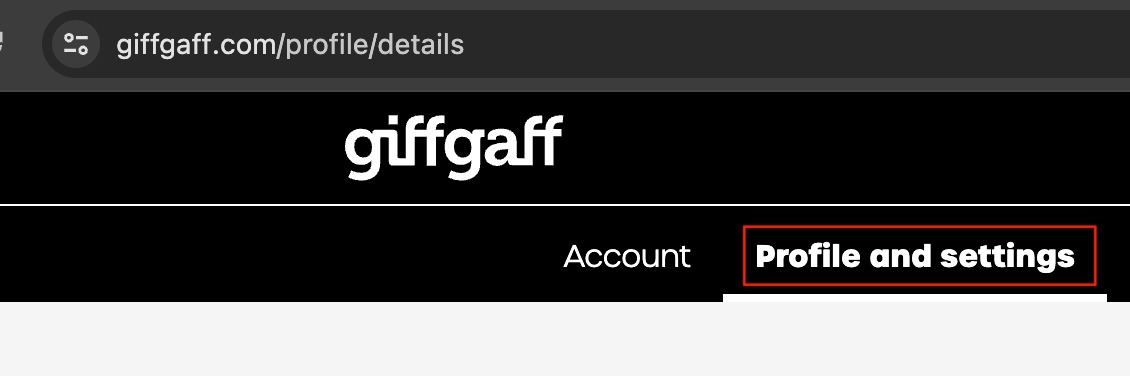
First, log in to the profile page on the website or in the official app: https://www.giffgaff.com/profile/details, and click the Profile and Setting section.
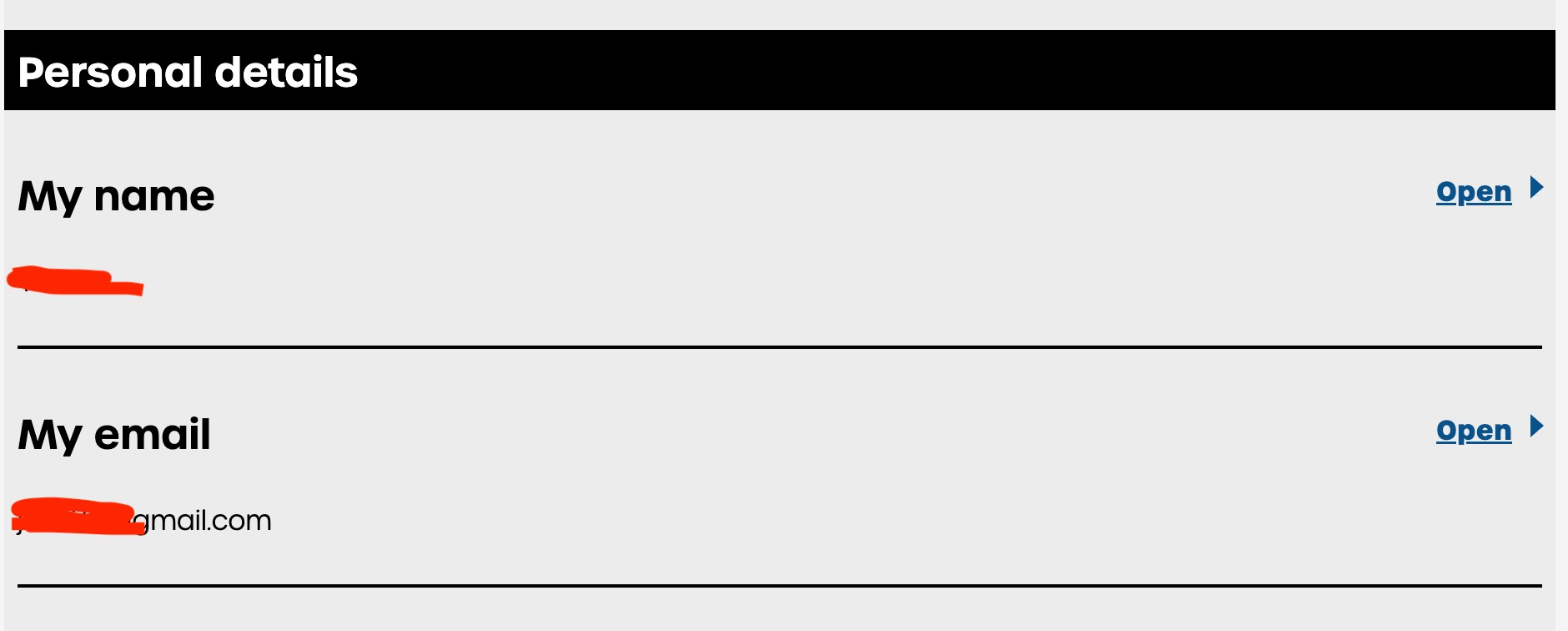
Scroll down to the Personal details section, find My email and click Open on the right to expand the setting.
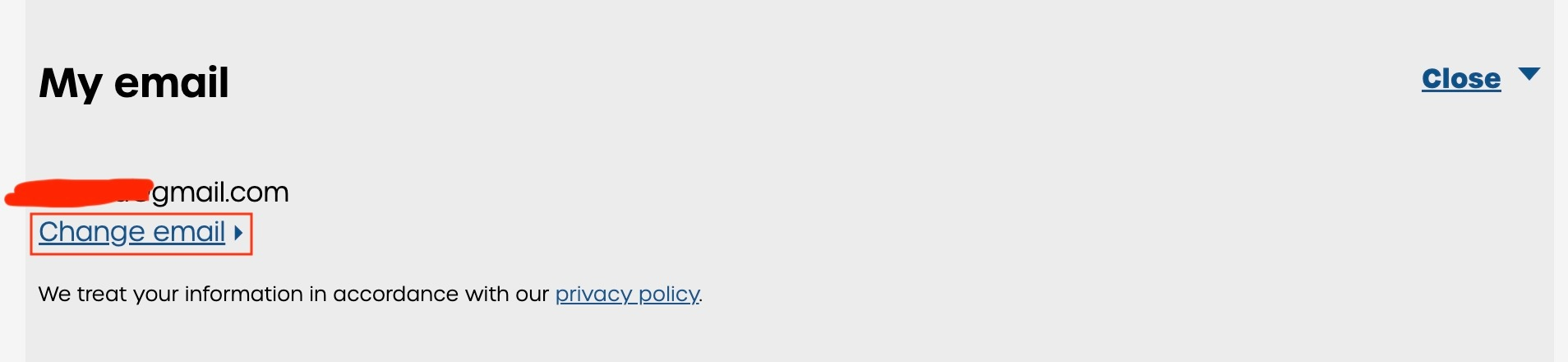
Then click the Change email button.
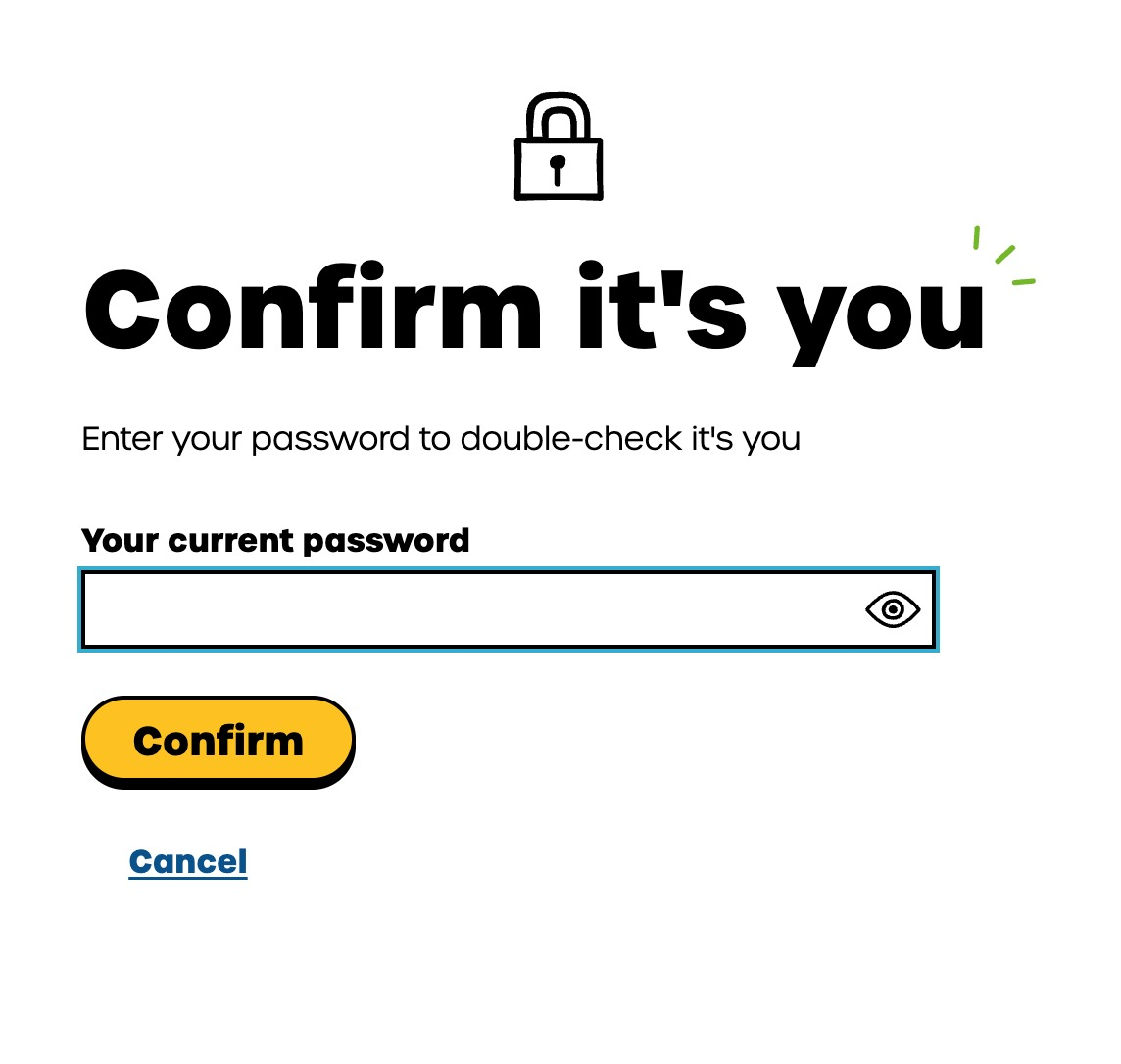
Here you need to confirm your account password. Users of pre-topped-up SIMs should reset the password first.
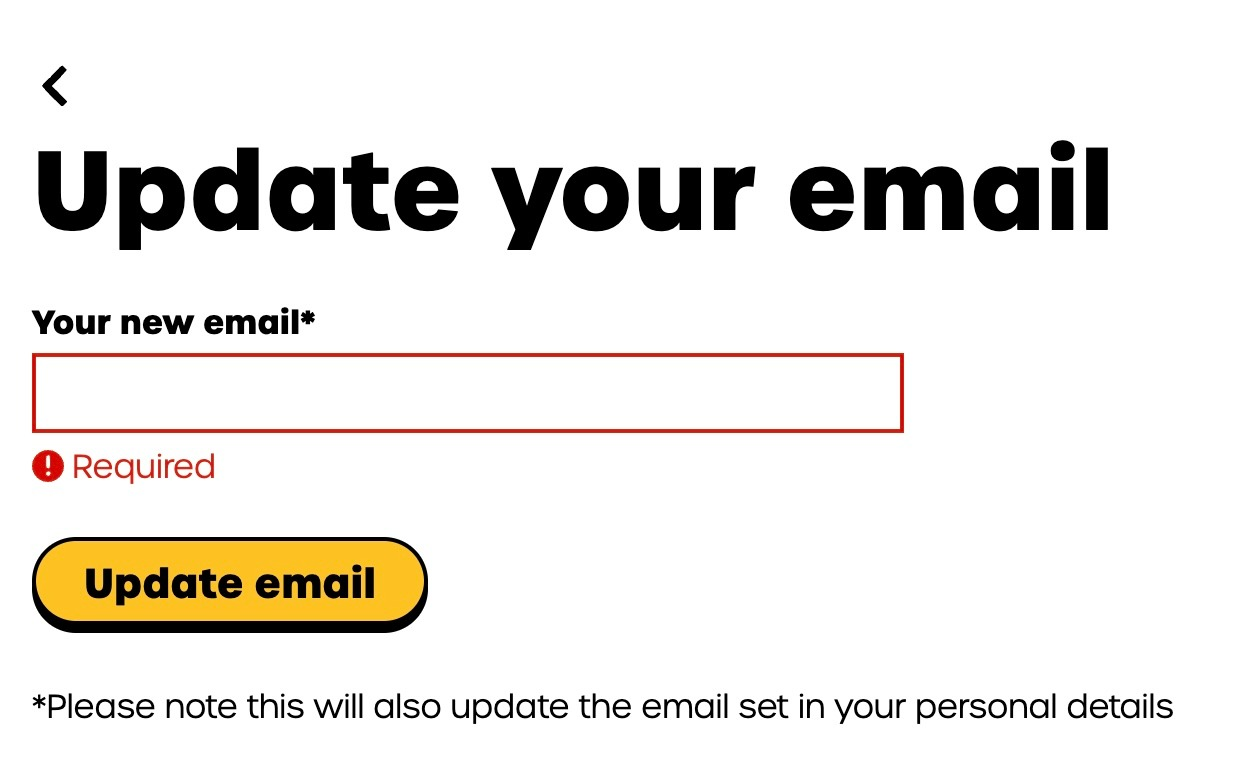
Once the password is confirmed you reach the change email page. Enter the new email address you want to link (Chinese providers such as QQ, NetEase and Aliyun Mail all receive the code normally), then click Update email.
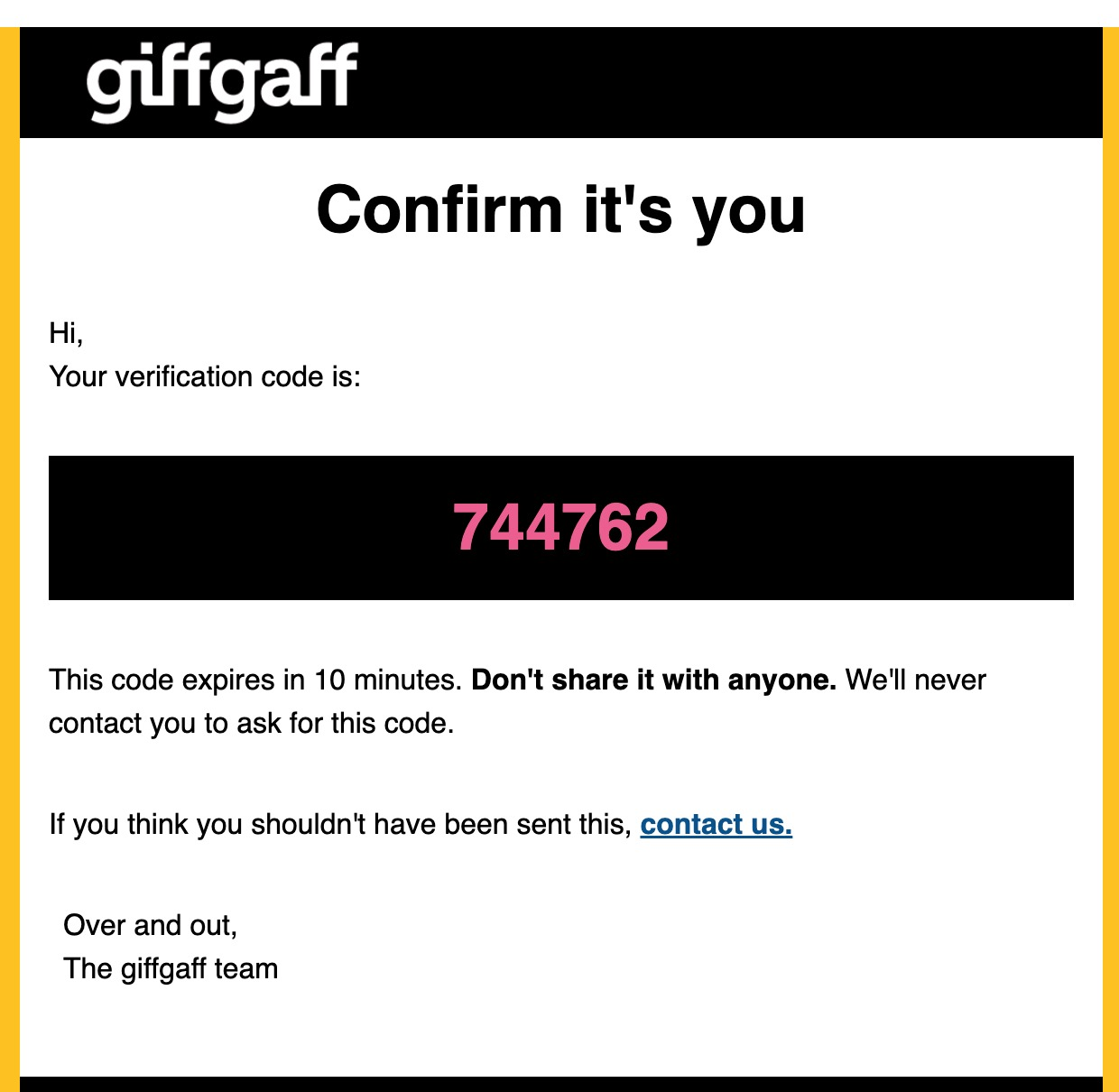
An email soon arrives at your new address. The red 6-digit number in it is the verification code, valid for 10 minutes.
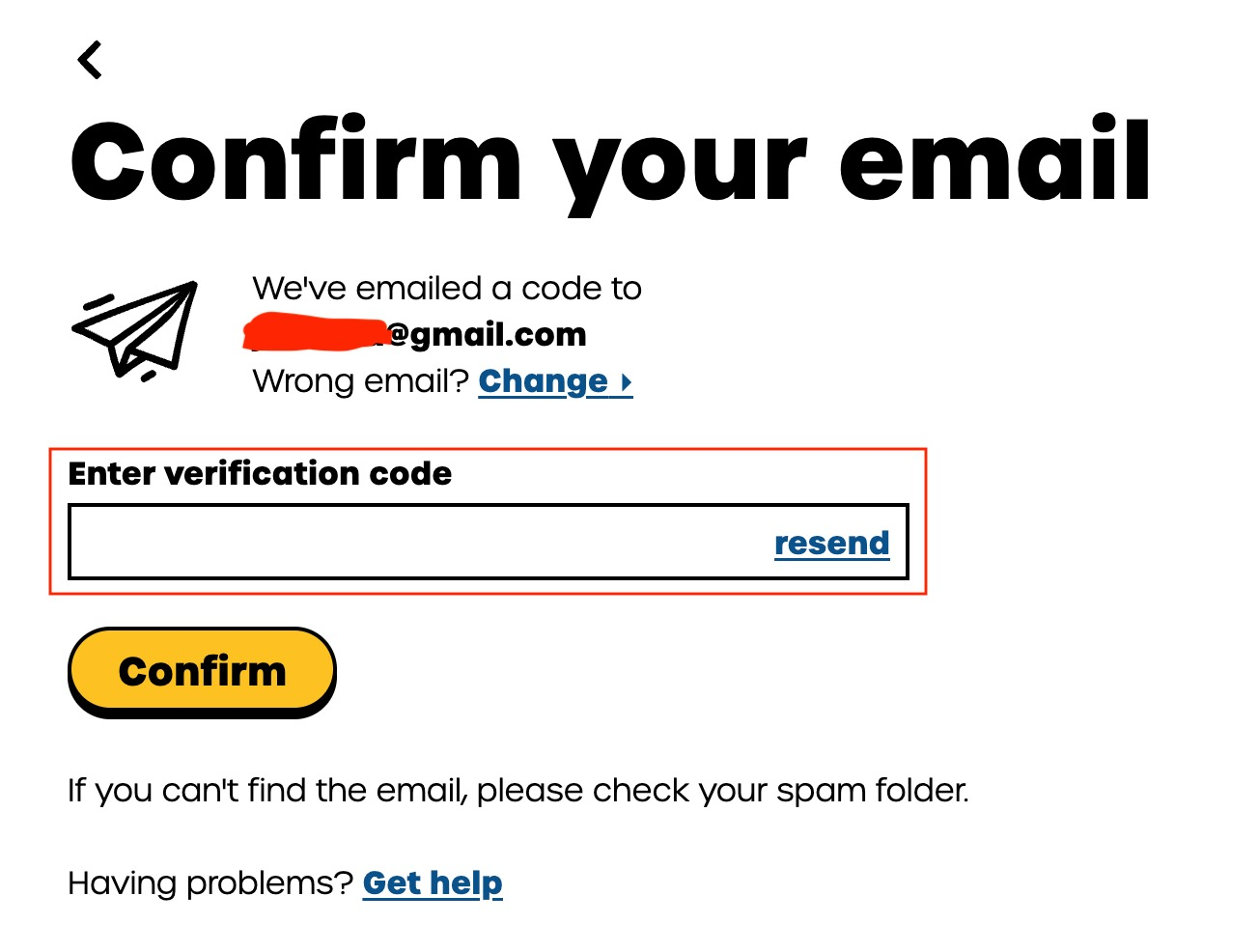
Go back to the giffgaff website, enter the 6-digit code you received and click Confirm.
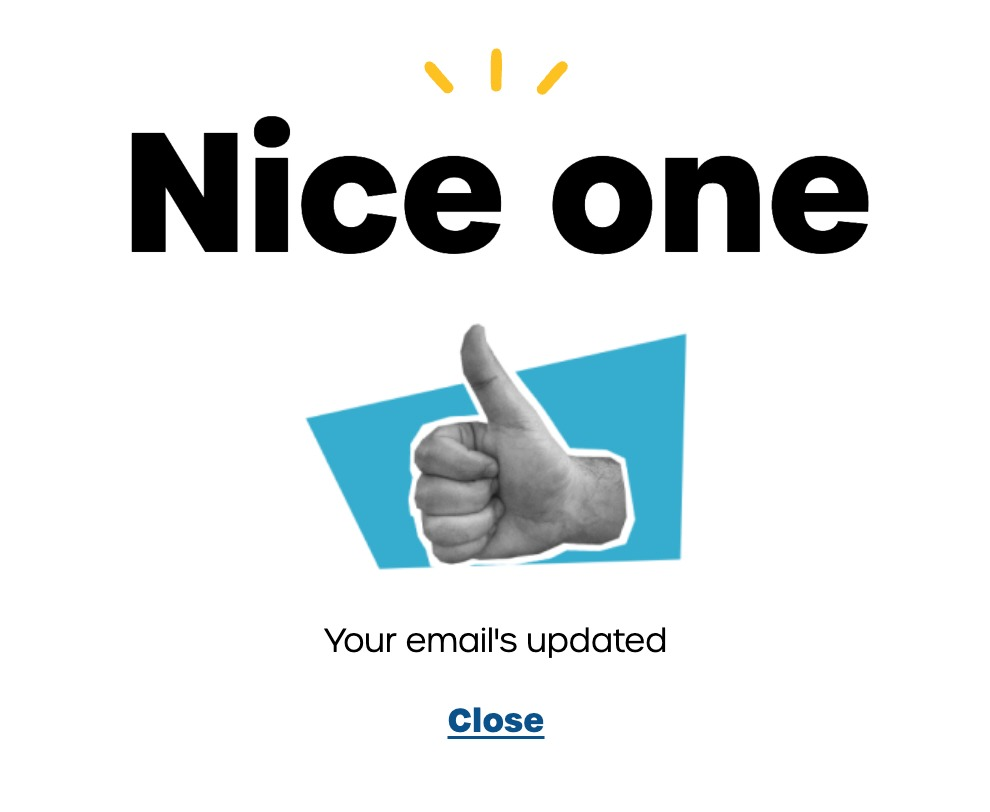
The page says the update is complete, and you are done!